
Unblur Image
Upload a blurry photo and AI restores the sharp edges, faces and fine detail — motion blur, camera shake and soft focus included.
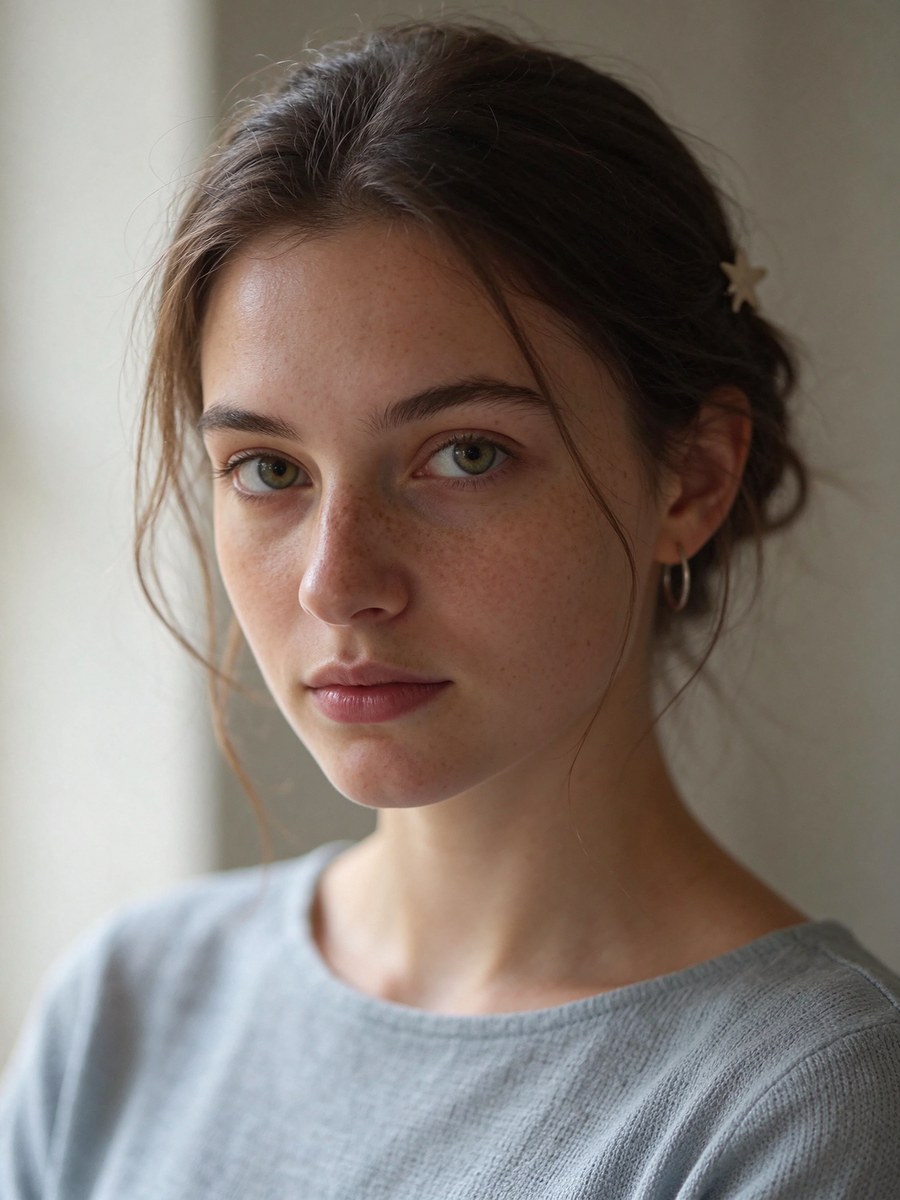
- Free credits every day
- Free to start
- Works in your browser
- No watermark on exports
How to Use the Unblur Image Online
Three steps, no editing software.
Upload the blurry photo
Whether it is camera shake, soft focus or an old print you scanned, start from one file.
Say what to recover
Try “prioritise faces and hair” or “restore the logo and leather grain” so the sharpening lands where it matters.
Compare and export
Drag the handle to check the result, make sure the sharpening is not overdone, then save the image.
Restore Old Prints
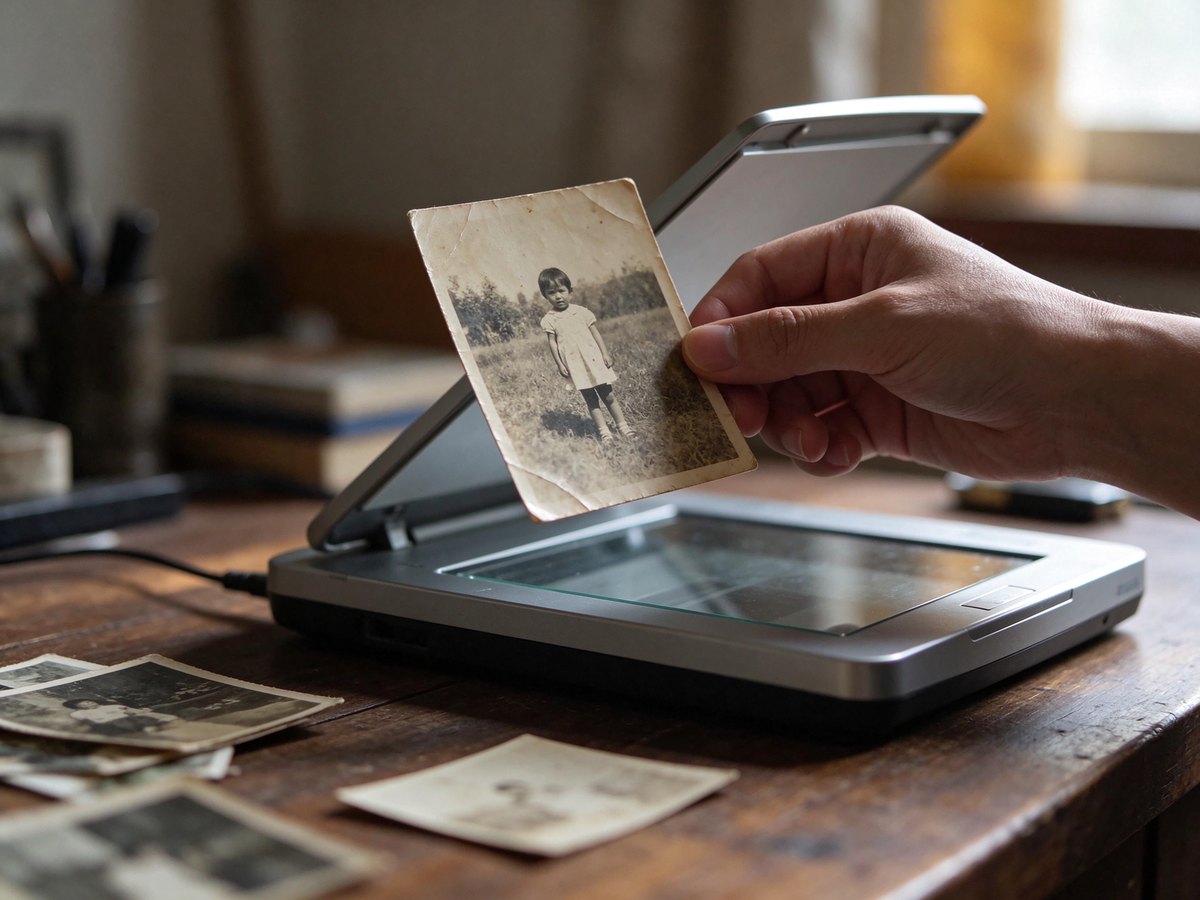
Family prints fade and lose detail over the years. Sharpen the scan and the face contour, hair and background detail come back.
Reusing the original beats re-shooting it in most cases.
Sharper Product Listings
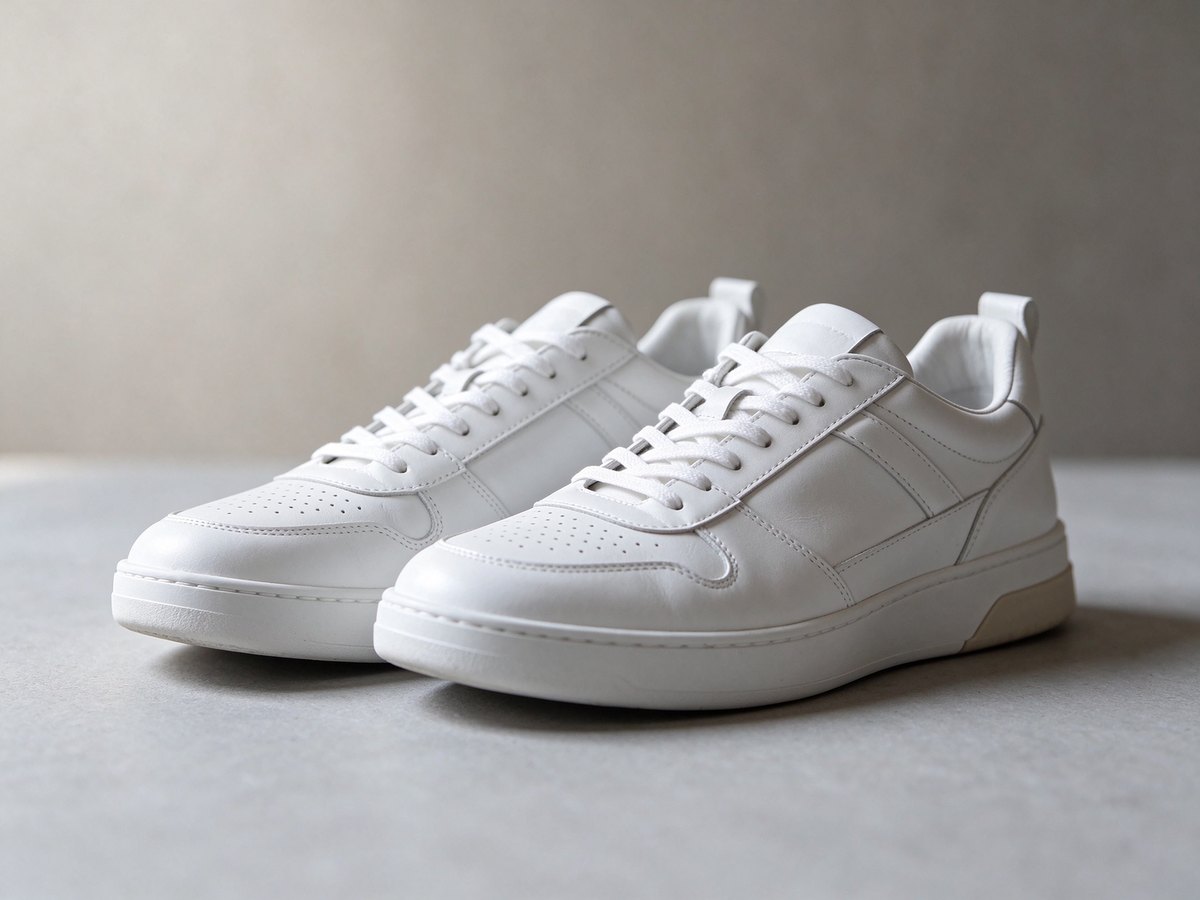
On a marketplace one blurry photo is a reason not to buy. Restore the upper, the stitching and the material grain and the listing reads as a product.
Stock you cannot re-shoot often becomes usable as it is.
Rescue Night and Motion Shots
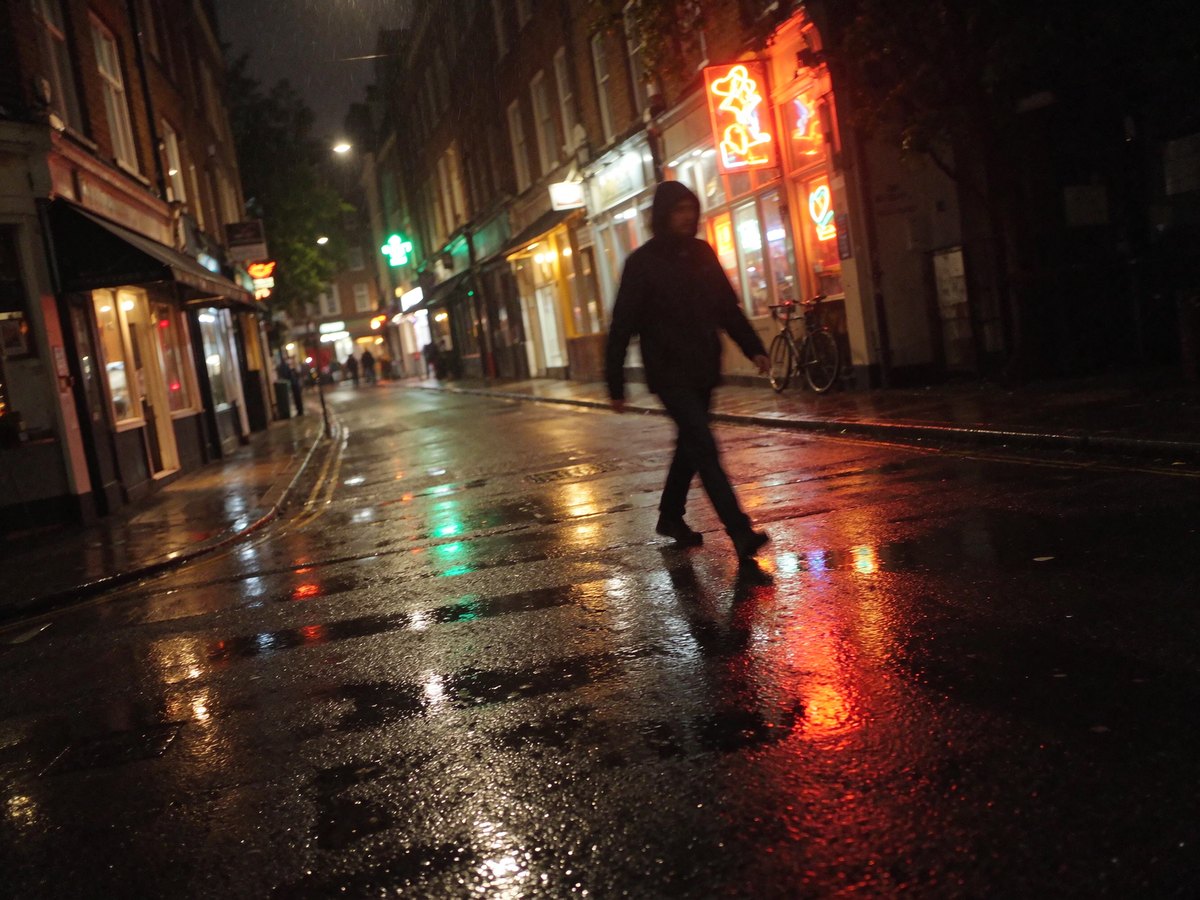
Night streets and moving subjects blur in handheld shots. Edges come back while neon and reflections stay natural.
The moments you cannot reshoot are the ones where post sharpening pays off.
Detail for Portraits and Screens
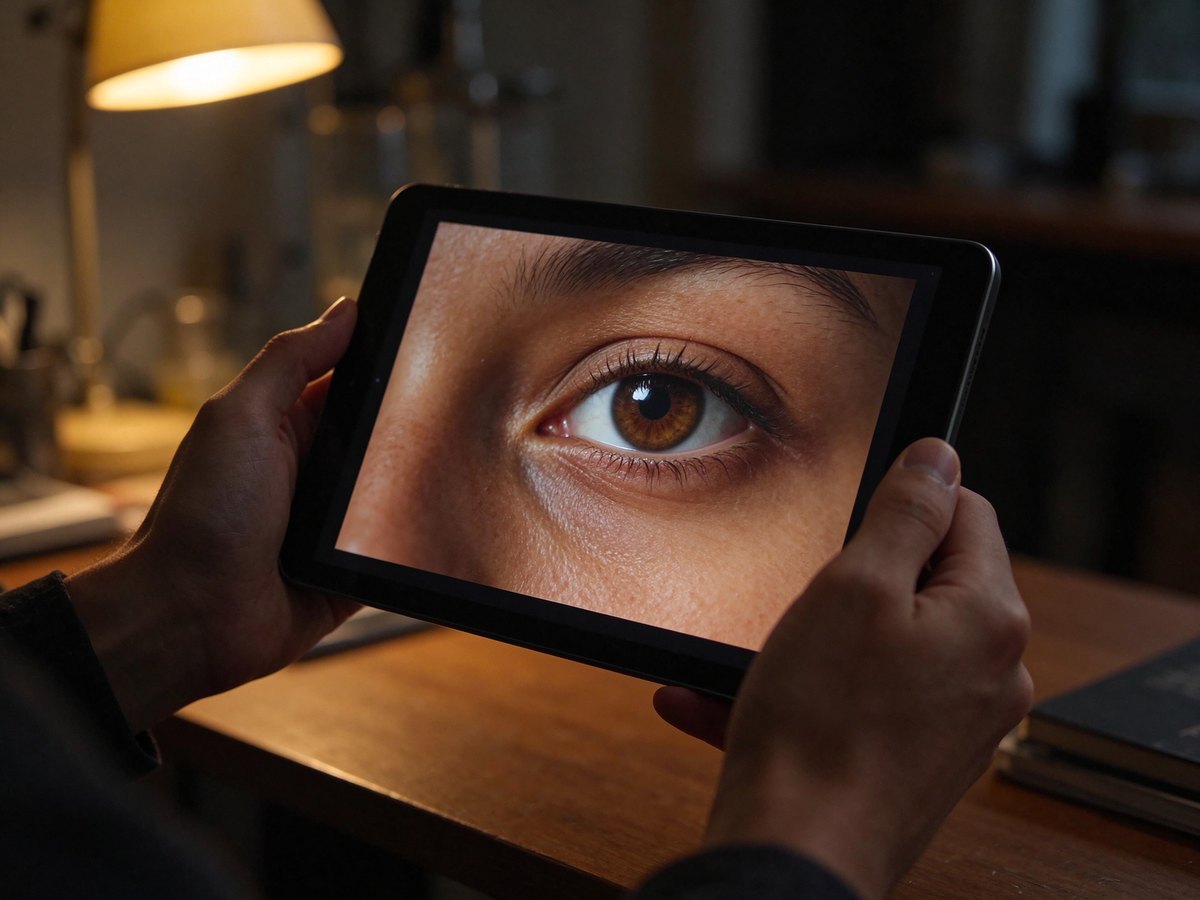
Restoring lashes, eye detail and skin texture changes how a portrait reads. Photos taken of a tablet or a screen become legible again.
Run it before a cut-out or an upscale and later steps behave better.
Frequently Asked Questions
The questions people ask before the first upload.
Is the unblur tool free?
Yes. Sign in to try it with the free credits you get every day. Exports carry no watermark.
How blurry is too blurry?
Light shake, soft focus and faded prints are in range. Areas where detail is completely gone have to be inferred, so severely blurred photos have a limit.
Will it invent detail that was not there?
The restore step leans on what the file still contains. Heavy instructions can change texture, so try a simple instruction and compare the result first.
Does it work on faces?
Yes. Faces, hair and skin texture are in scope, and the model is set up to avoid turning someone into a different person.
Which file types can I upload?
Upload one JPG, PNG or WebP image up to 10 MB.
How is this different from an upscaler?
Unblur removes blur and an upscaler raises resolution. If you need both, start by unblurring the image.
Sharpen Your Blurry Photo
Upload one image. Name what to recover. Save the sharp version with no watermark.