
Free AI Clothes Changer
Upload a photo of yourself and a photo of the garment, and AI dresses you in it — fit, fabric and lighting matched to your pose.
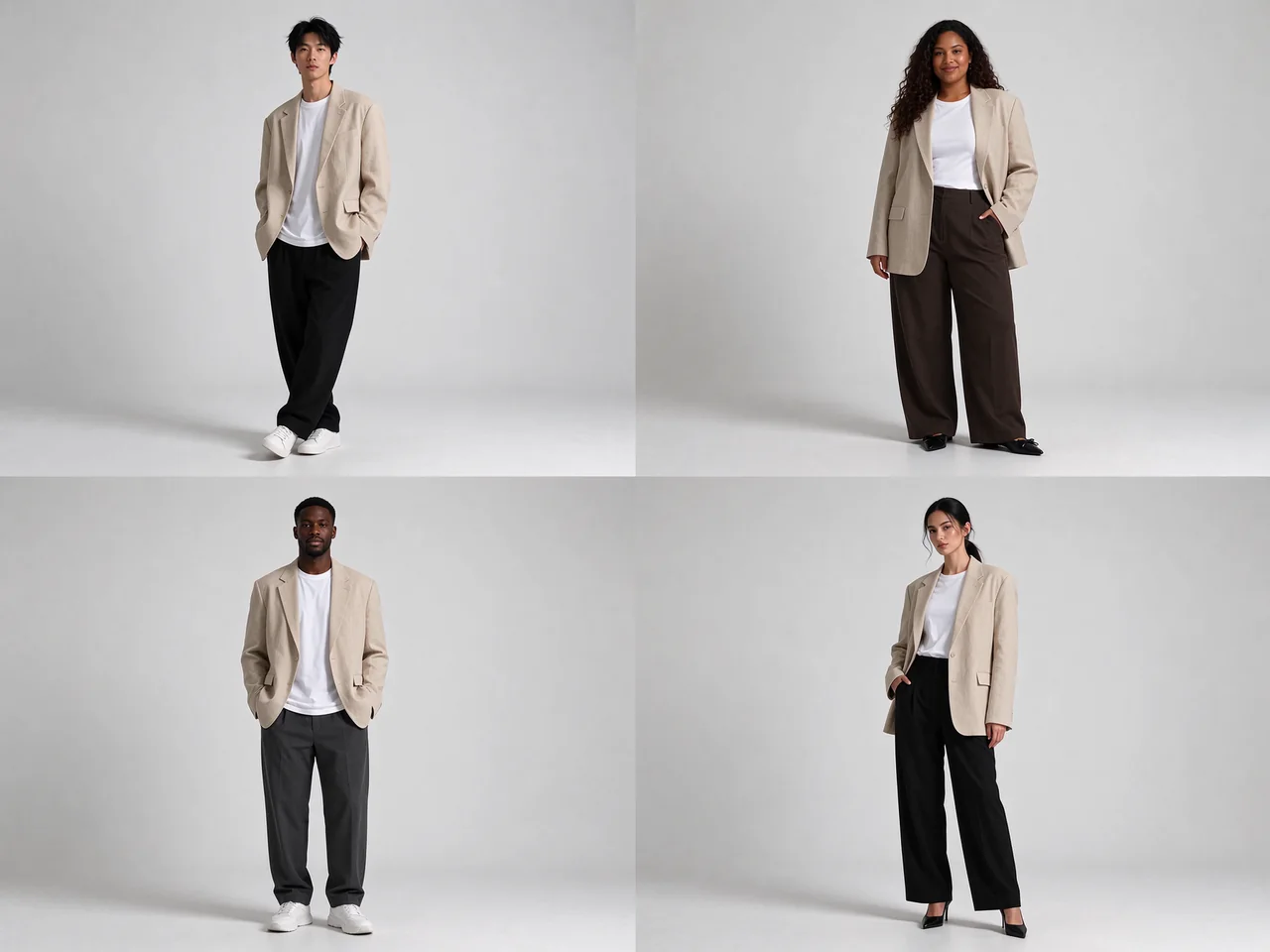
Outfit comparison
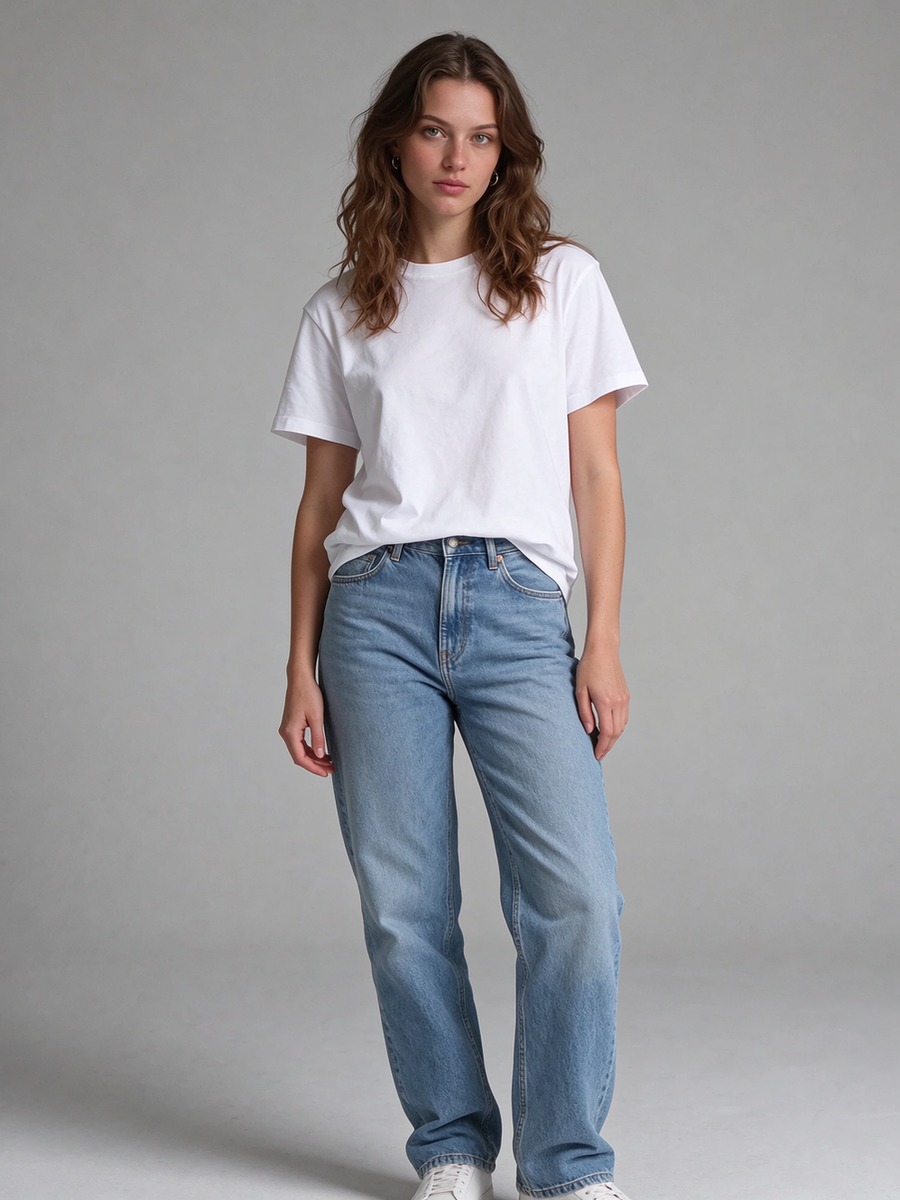
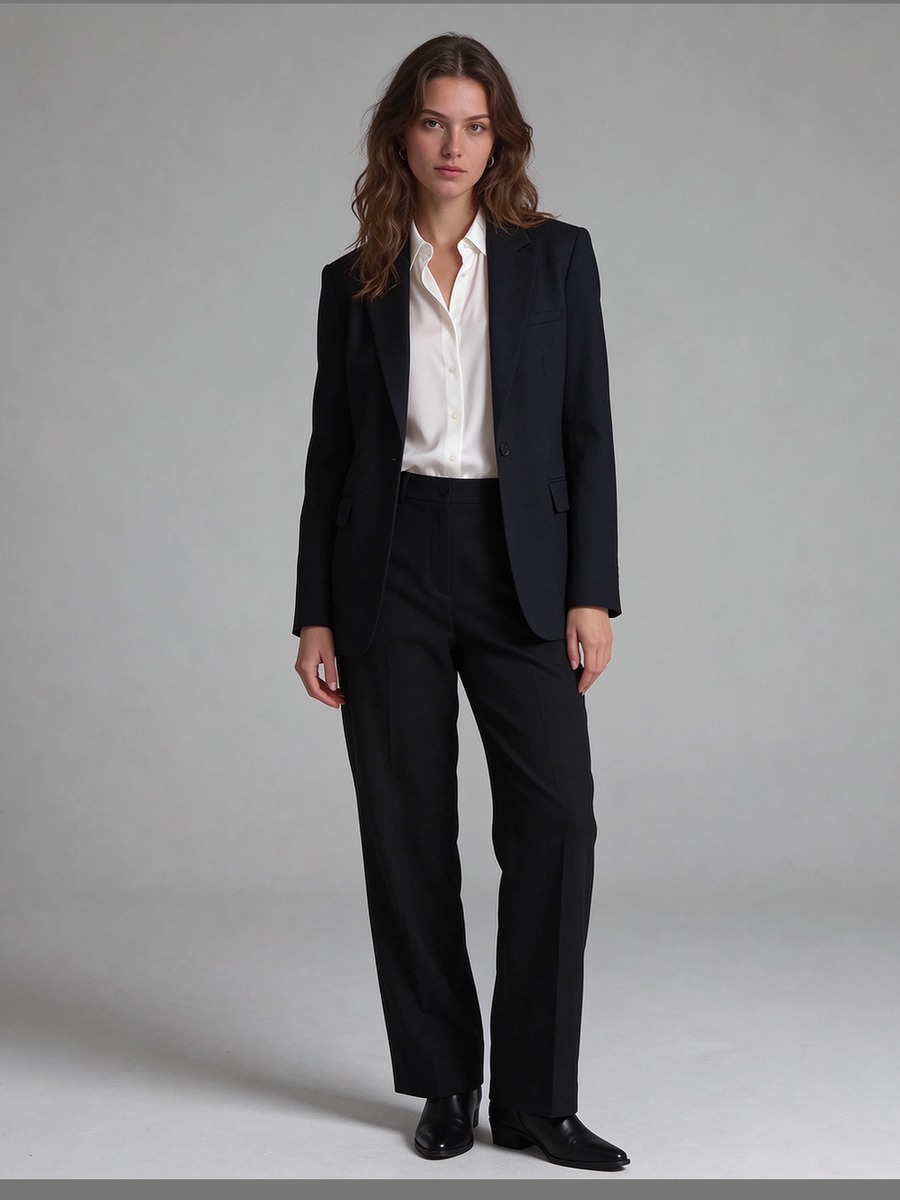
- Free credits every day
- Free to start
- Works in your browser
- No watermark on exports
How to Use the AI Clothes Changer Online?
Three steps, no design software.
Upload your photo and the garment
A half-body or full-body shot works best, paired with a flat-lay, a product image or a photo of the outfit you want to wear.
Describe the outfit change
Say “put the blue blazer on her, sleeves rolled” or “swap the dress for this suit”, or write your own in the custom instructions box under the uploads.
Compare and export
Check the fit at the collar, cuffs and hem, adjust the wording if a sleeve sits wrong, then download without a watermark.
Try Before You Buy
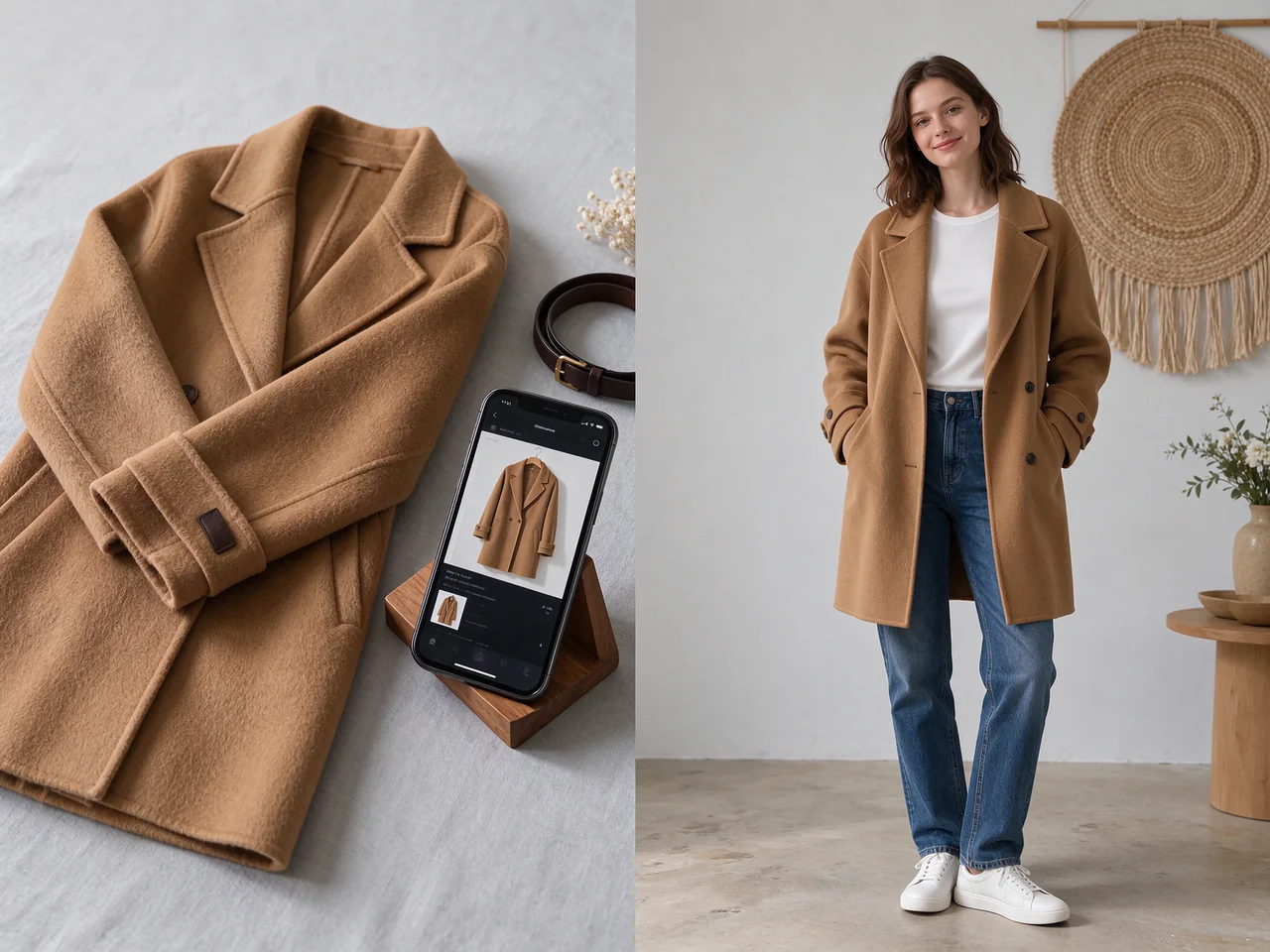
Shopping online means guessing how a garment falls on a real body, in real light, at your height. Upload one photo of yourself and one photo of the piece, and the guess becomes a picture.
No measuring, no returns reasoning — just a look at the outfit on you before the money leaves your account.
Keep the Face, Change the Look
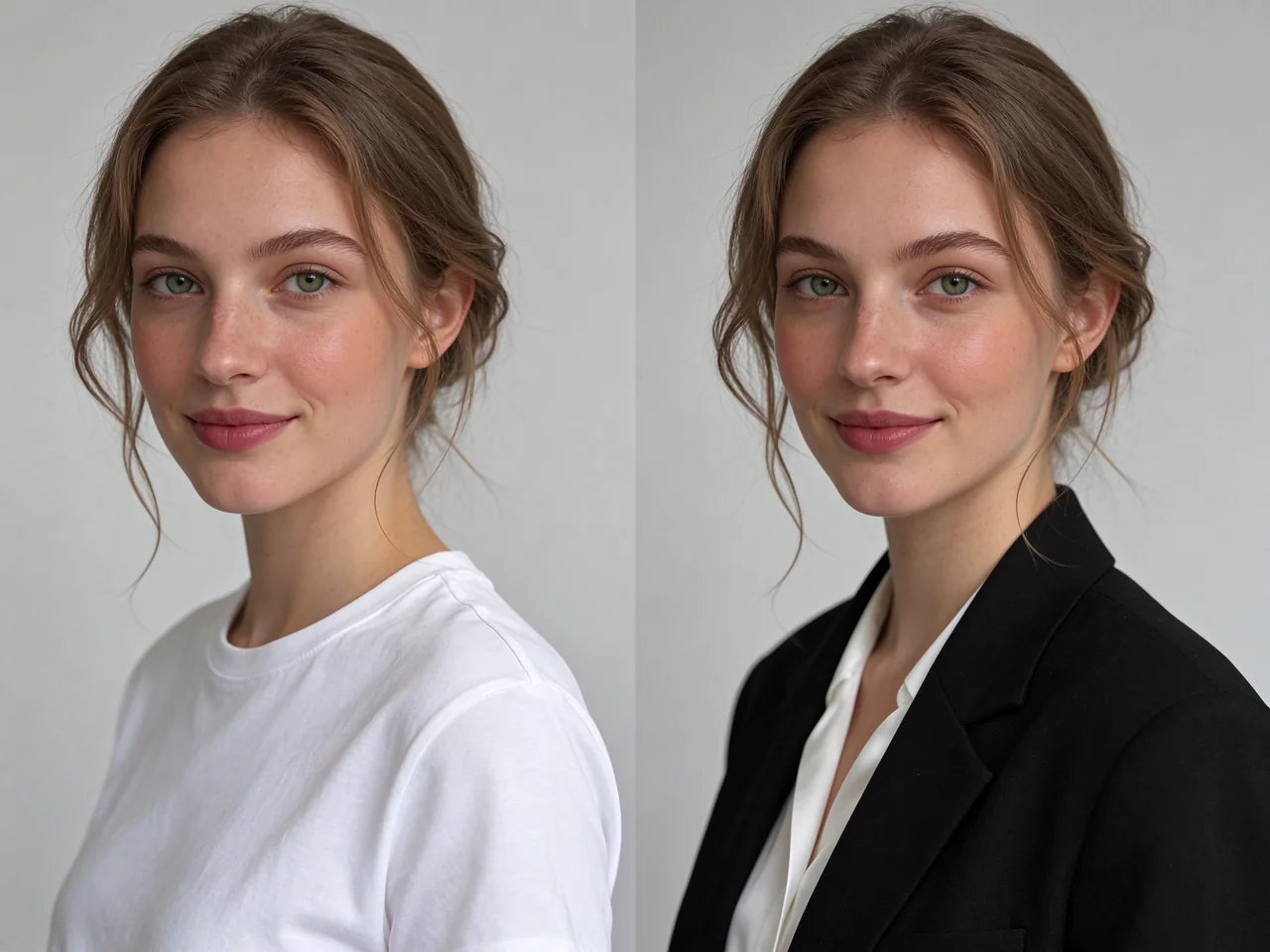
The identity in the photo stays intact: face, expression, pose and background are preserved while the clothing is replaced. That is the difference between a clothes changer and a portrait generator.
It also means one good photo can serve a dozen looks instead of a dozen photoshoots.
Outfits for a Whole Catalog
Small brands shoot one garment and need it on five body types or five settings. Instead of booking five models, run the same base photo through five outfit instructions and keep the styling consistent across the range.
Sellers use it to preview a season's lineup before sampling, and stylists use it to show a client options without a fitting room.
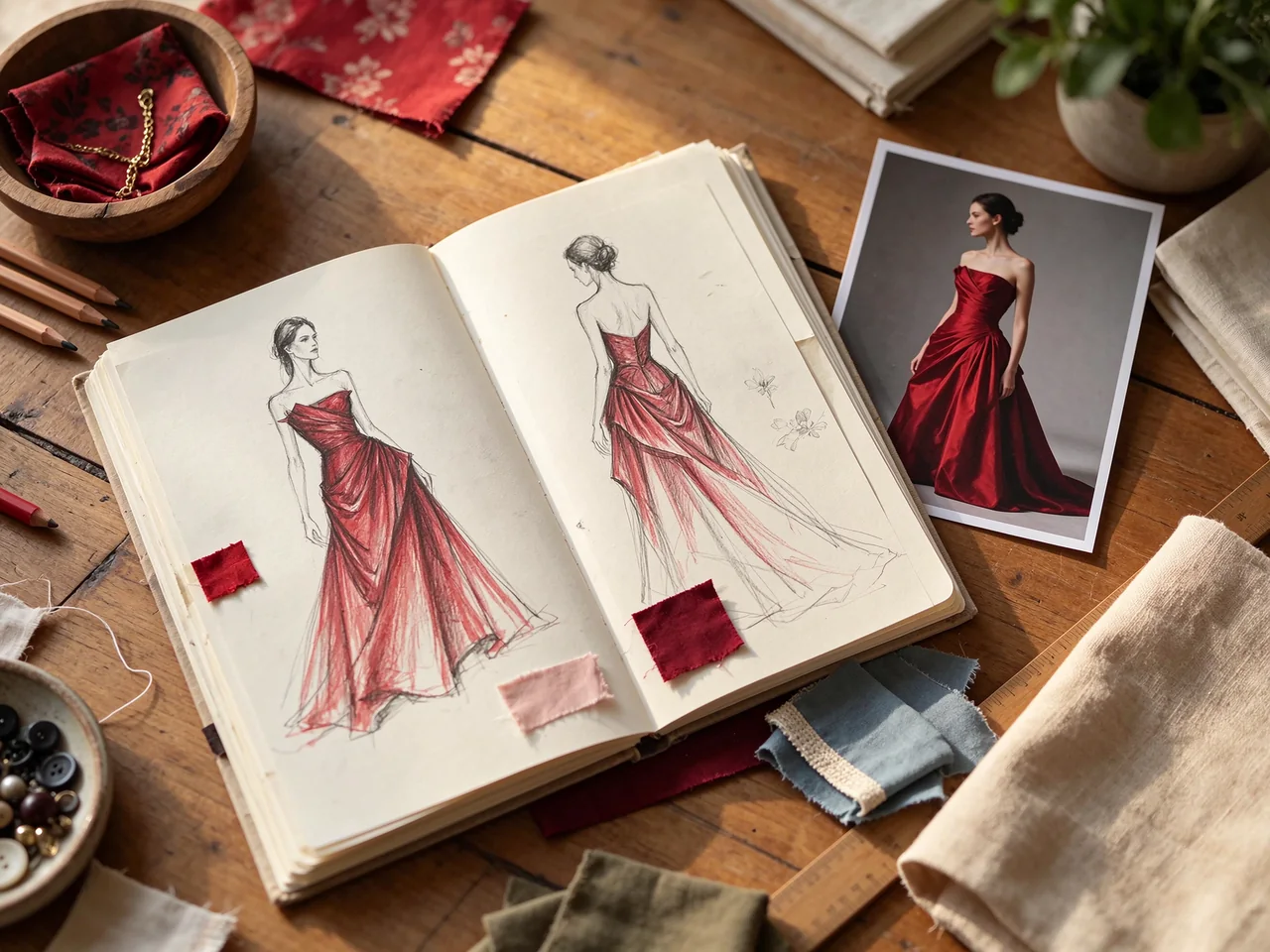
Fashion Sketches and Character Concepts
Illustrators describe a costume they cannot draw yet; cosplayers test a build before buying fabric. Any photo becomes a mannequin you can dress as many times as the concept needs.
Because the result is an image you can download, it drops straight into a mood board or a lookbook draft.
Frequently Asked Questions
The questions people ask before the first upload.
Is the AI clothes changer free?
Sign in to get 10 free credits each day. An outfit change with Seedream 5.5 costs 2 credits at 1K or 1.5K and 4 credits at 2K. Downloads are watermark-free.
What kind of photo works best?
A clear, evenly lit shot where the body is visible — half-body or full-body. Avoid heavy cropping at the shoulders or waist, since the AI needs to see where the garment should end.
Will it change my face or body?
The goal is to keep both. The model targets the clothing region and leaves face, hair, pose and background as they were. If a result alters the face, rephrase the instruction to name the garment only.
Can I use the results commercially?
The Terms of Service limit use of the service to personal, non-commercial purposes. Use source photos you own or have permission to edit, and get consent from anyone pictured.
What happens to my uploads?
The photos are used to generate your outfit preview. Signed-in tasks are available in History for up to 30 days, and you can delete them there.
Which file types can I upload?
JPG, PNG and WebP, up to 10 MB per image. A garment flat-lay on a plain background gives the cleanest edges. A photo of someone already wearing the piece works too. The result downloads as a PNG.
Start Trying Outfits on Your Photo
Upload a photo and a garment. Describe the look. Save the result with no watermark.