
Free AI Image Generator:
Turn Any Photo into Something New
Upload a reference image, describe what you want to change or create, and AI generates a new image based on your reference — instantly.
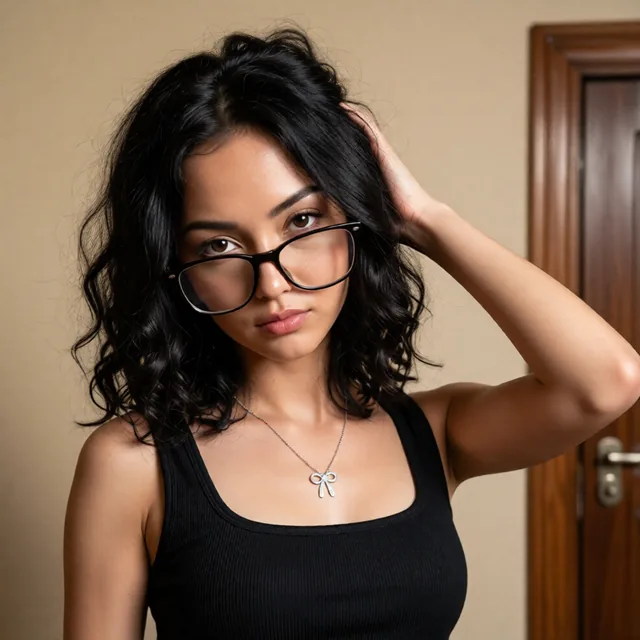
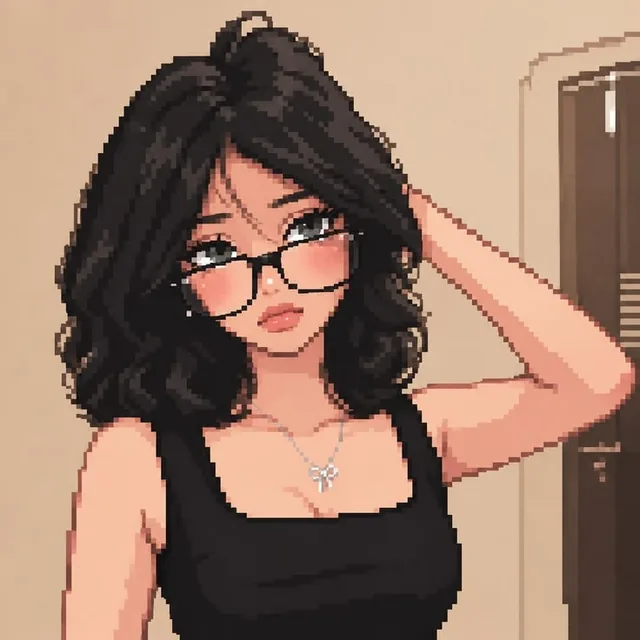
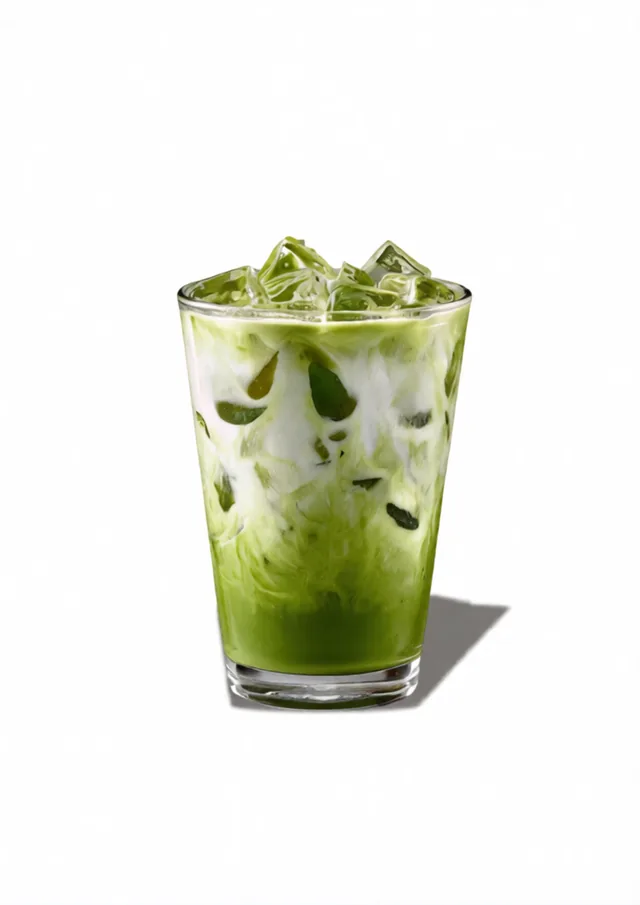
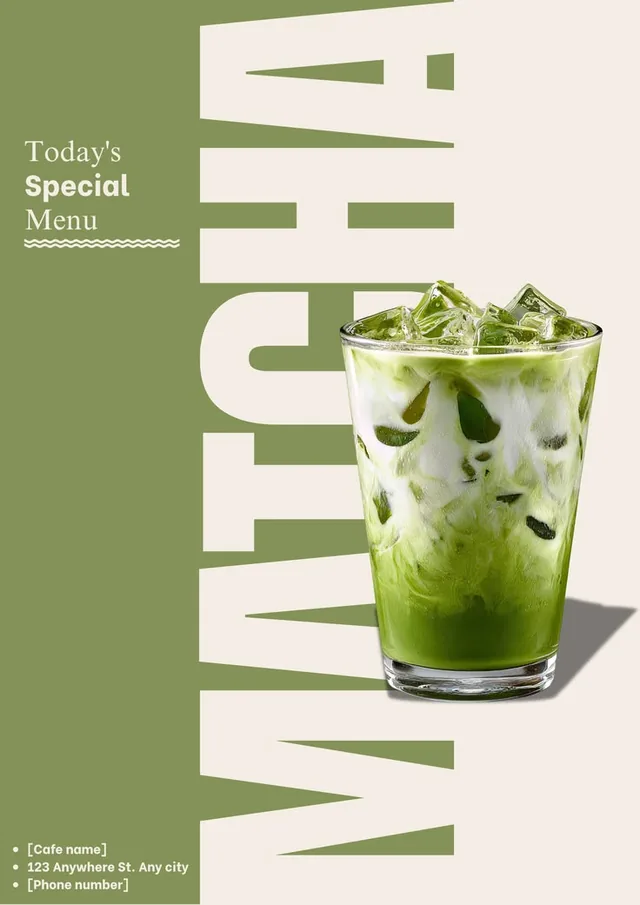
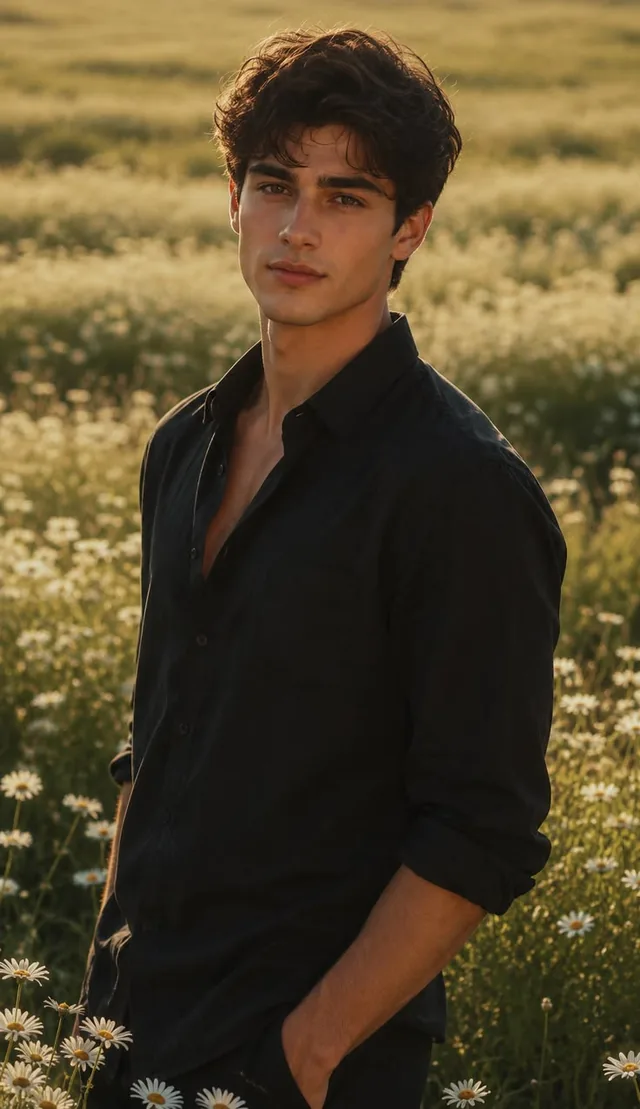
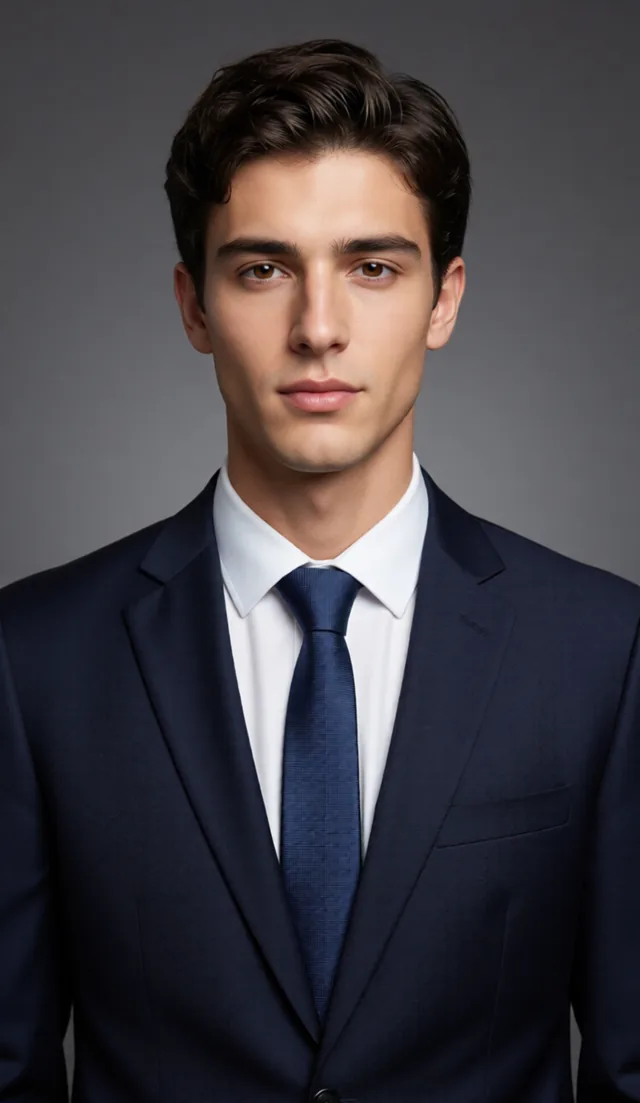
See the Magic Hover Does
2s before → AI result · hover to try
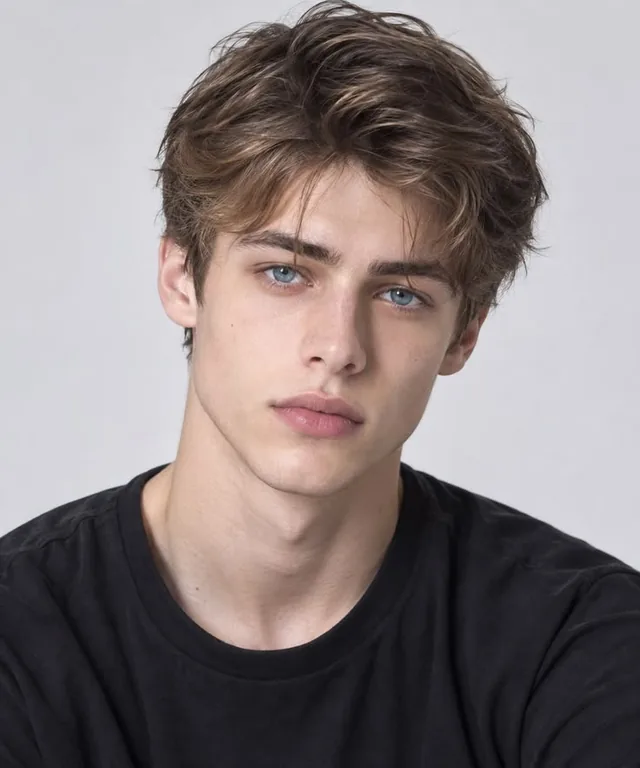
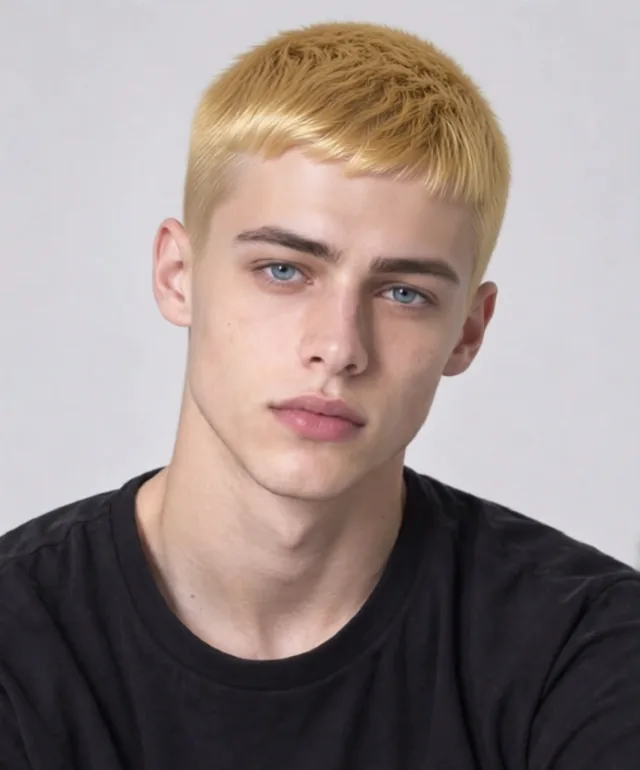 AIHair Color
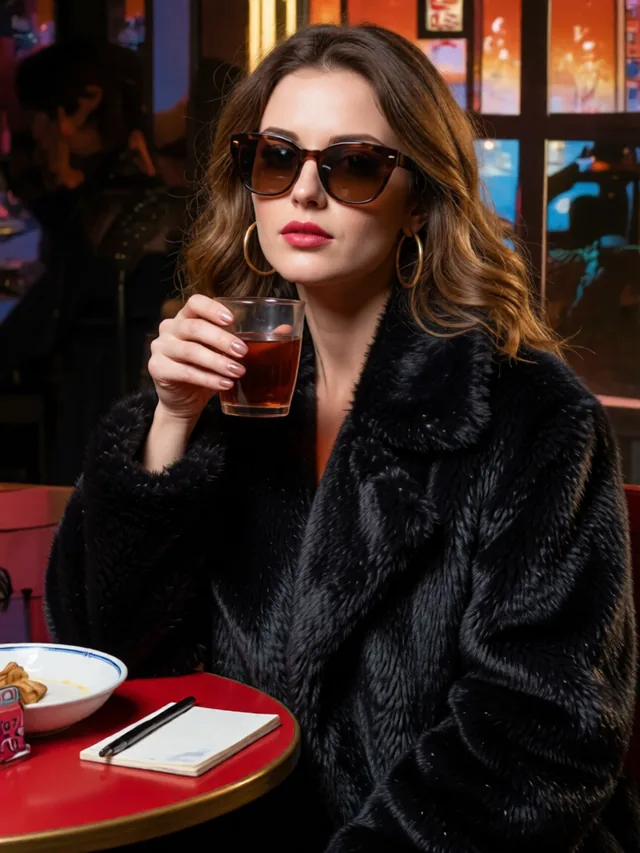
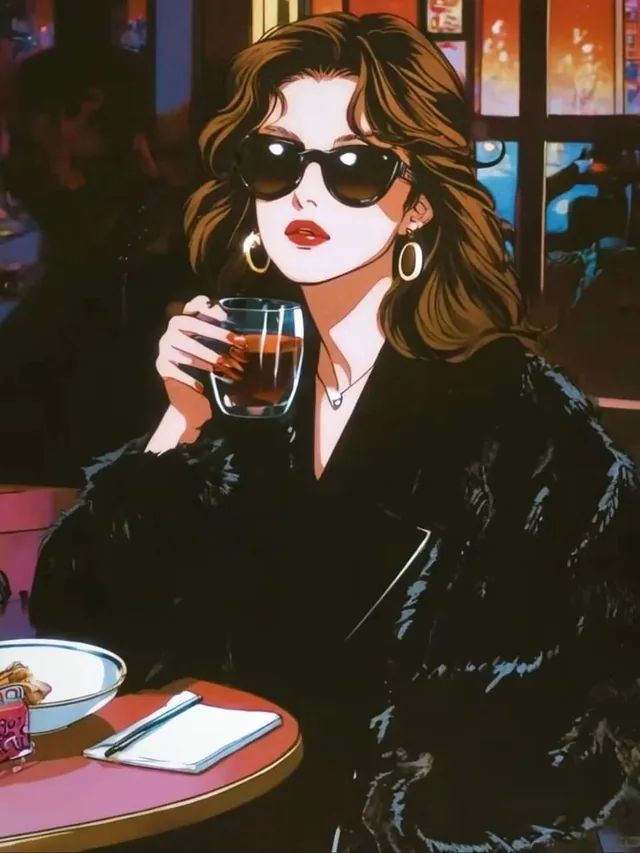
- Sign in for 10 free credits daily
- 2K and 4K exports
- Works in your browser
- No watermark
See the Magic Hover Does
Hover over any card to reveal the AI-transformed result.
Swipe to see more transformations
How to Use AI Image Generator Online?
Upload a reference image
Drag and drop any photo, product shot, sketch, or artwork into the tool. This is your starting point.
Describe what you want to create
Type a prompt describing the style, scene, or changes you want. Or pick one of the quick actions above for a guided starting point.
Generate variations and download
AI produces multiple results based on your reference and prompt. Preview, generate more variations, and download your favorite — no watermark.
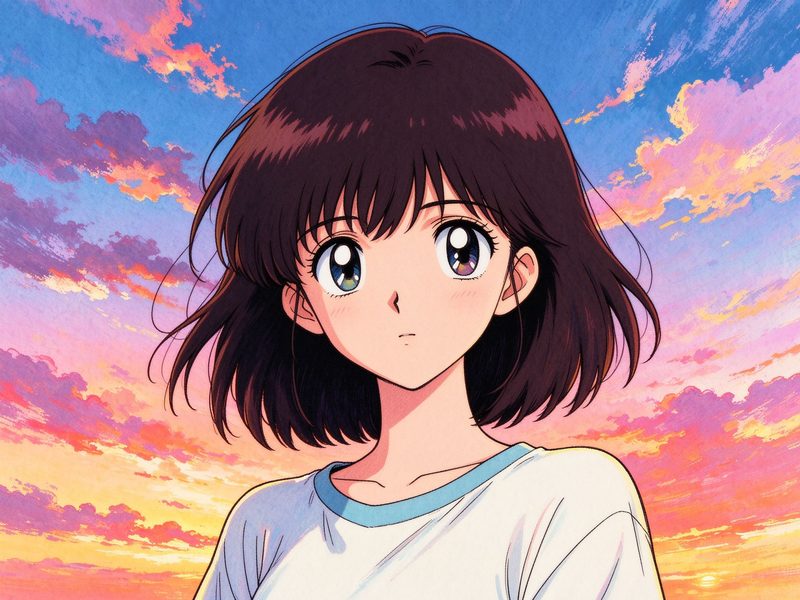
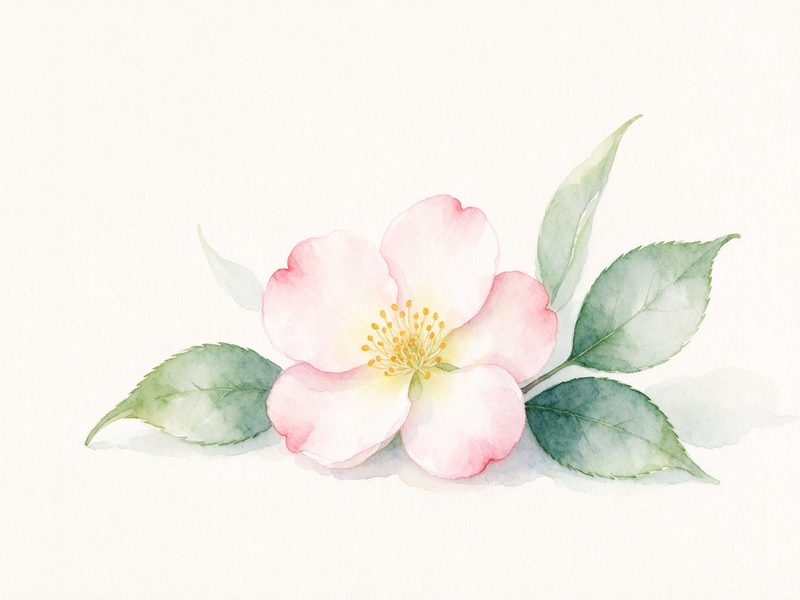
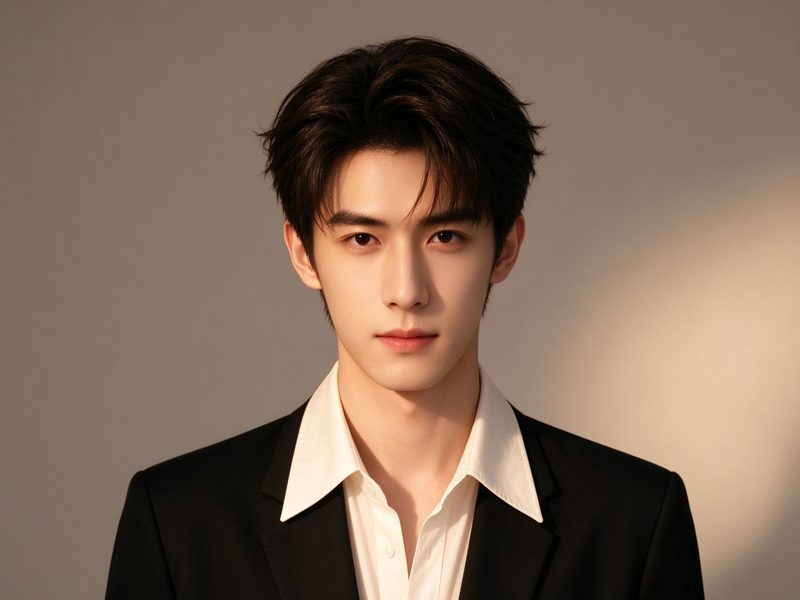
Free AI Image Generator With No Restrictions — From One Photo to Infinite Possibilities
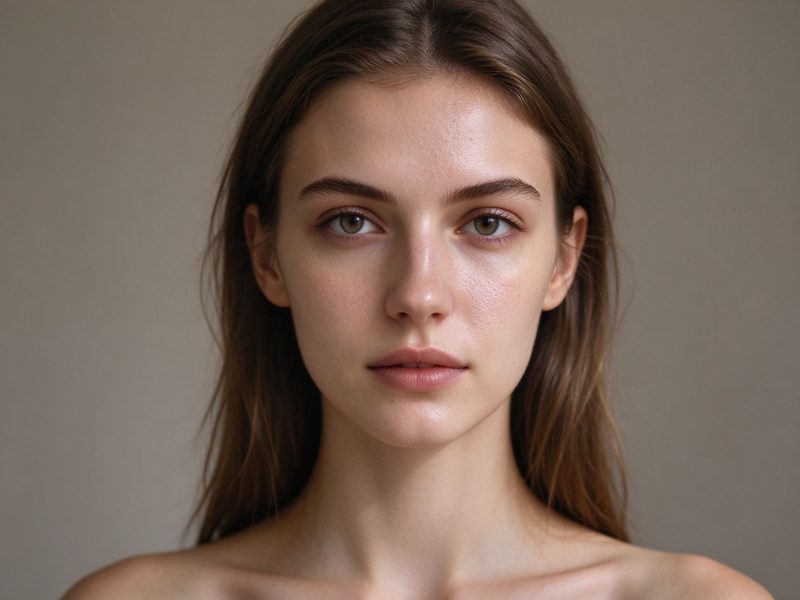
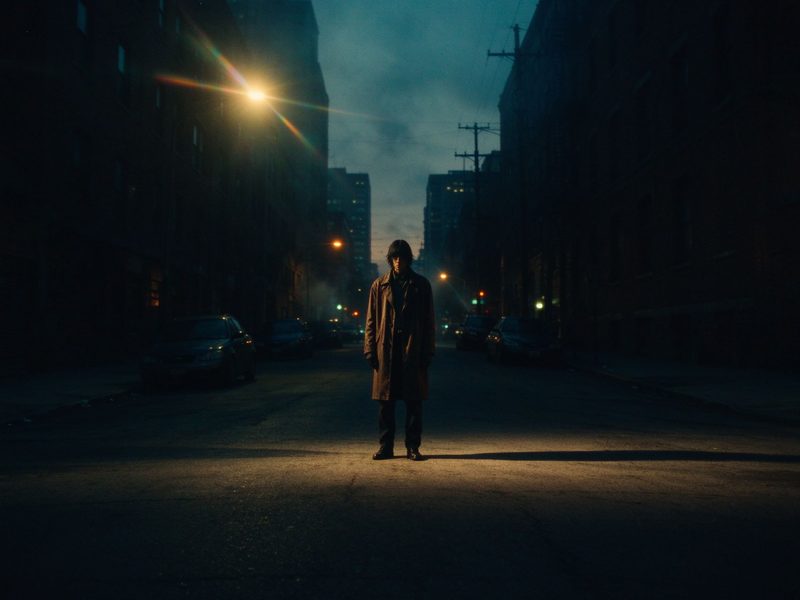
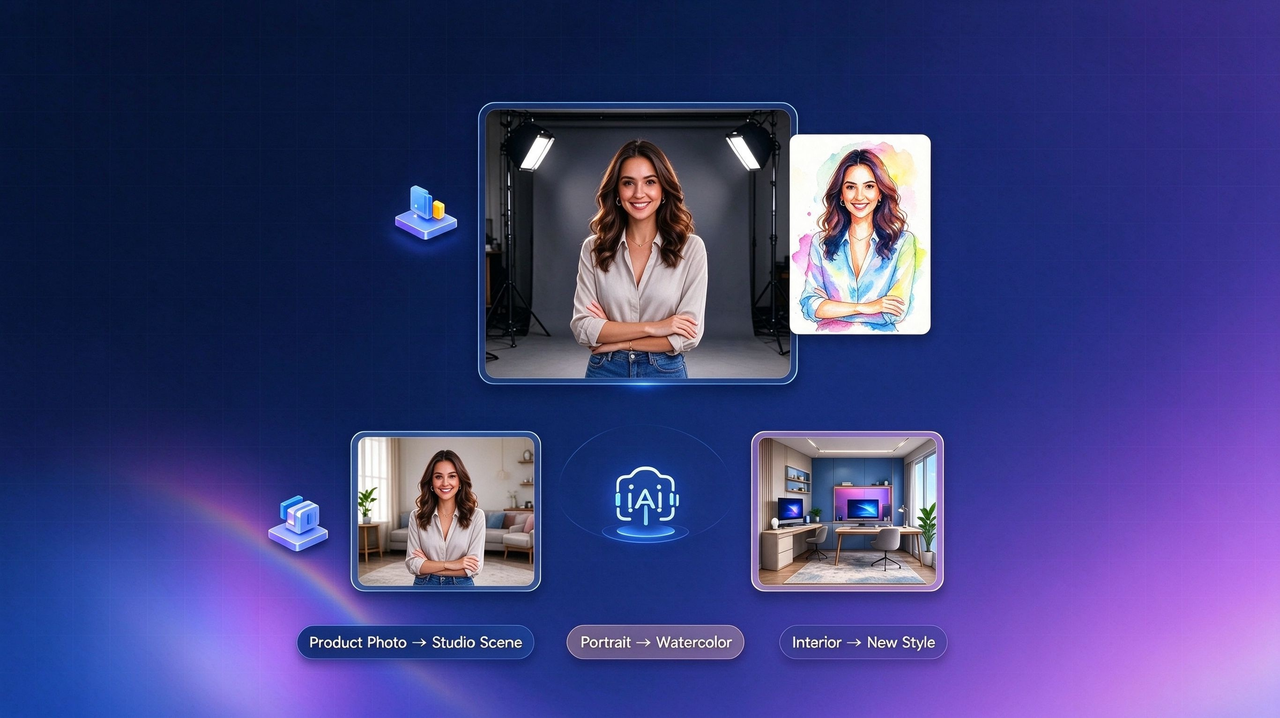
Traditional image editing changes pixels. A free AI image generator with no restrictions creates entirely new images while keeping what matters. Upload a product photo and turn it into a studio scene. Upload a portrait and reimagine it as a watercolor painting. Upload a room interior and visualize it in a different design style.
This free AI image generator uses your reference image as a structural and visual guide, then reconstructs it according to your text prompt. It reads composition, perspective and lighting from your upload.
Style Transfer Without Learning Design Software
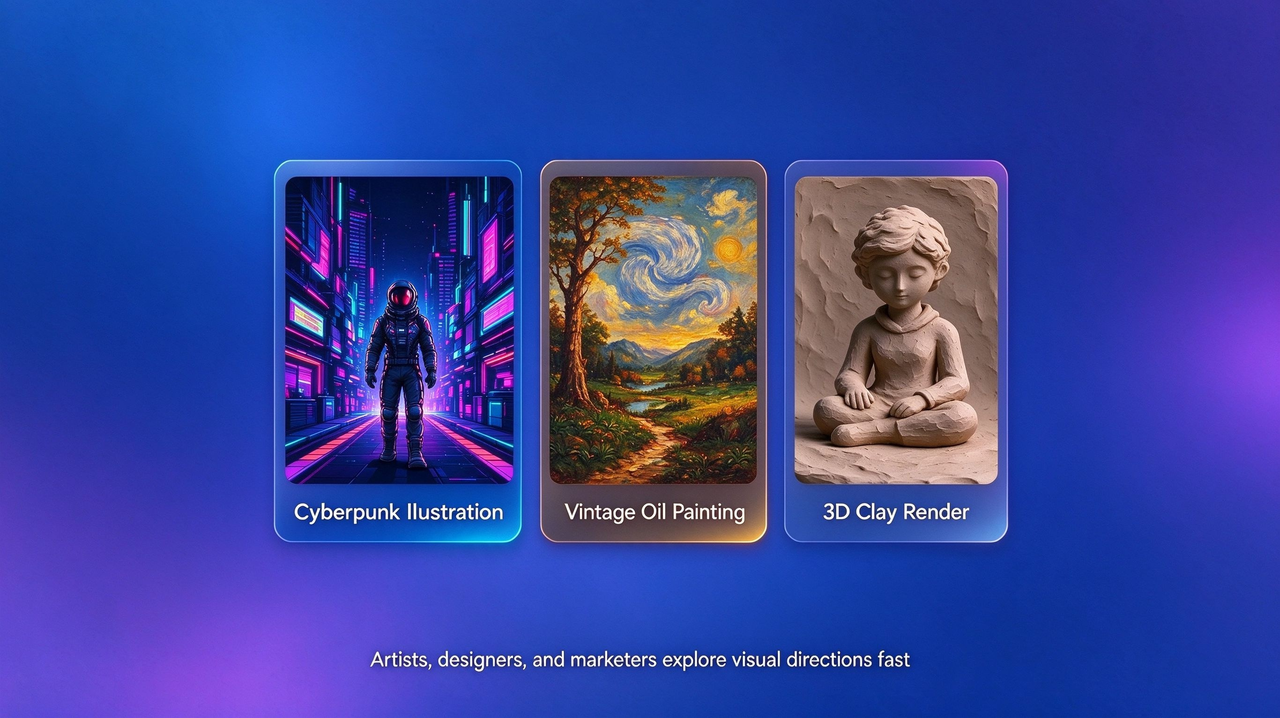
Want to see your photo as a cyberpunk illustration, a vintage oil painting, or a 3D clay render? With an AI image generator, you don't need to learn Photoshop, Blender, or Stable Diffusion settings. Just upload your image, type the style you want, and the AI generates it for you.
Artists, designers, and marketers use this to rapidly explore visual directions — turning one reference photo into dozens of style concepts in minutes, not hours.
Product Photos That Sell, Without a Photoshoot
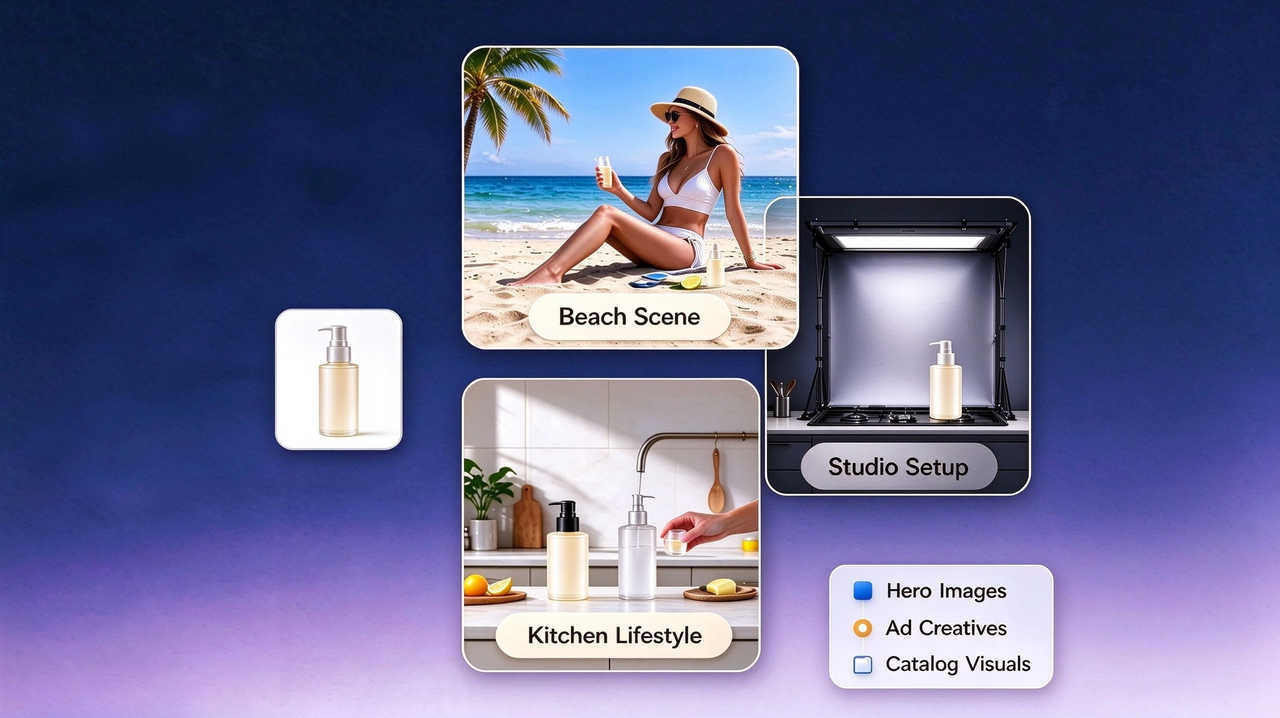
Small business owners and e-commerce sellers can upload a simple product photo and drop it into a beach scene, a studio setup, or a lifestyle kitchen. An AI image generator creates the context and lighting automatically — no photographer, no studio rental, no props.
Create hero images, ad creatives, and catalog visuals from a single product shot. Generate multiple scene variations to test which performs best before spending on production.
From Sketch to Finished Image in Seconds
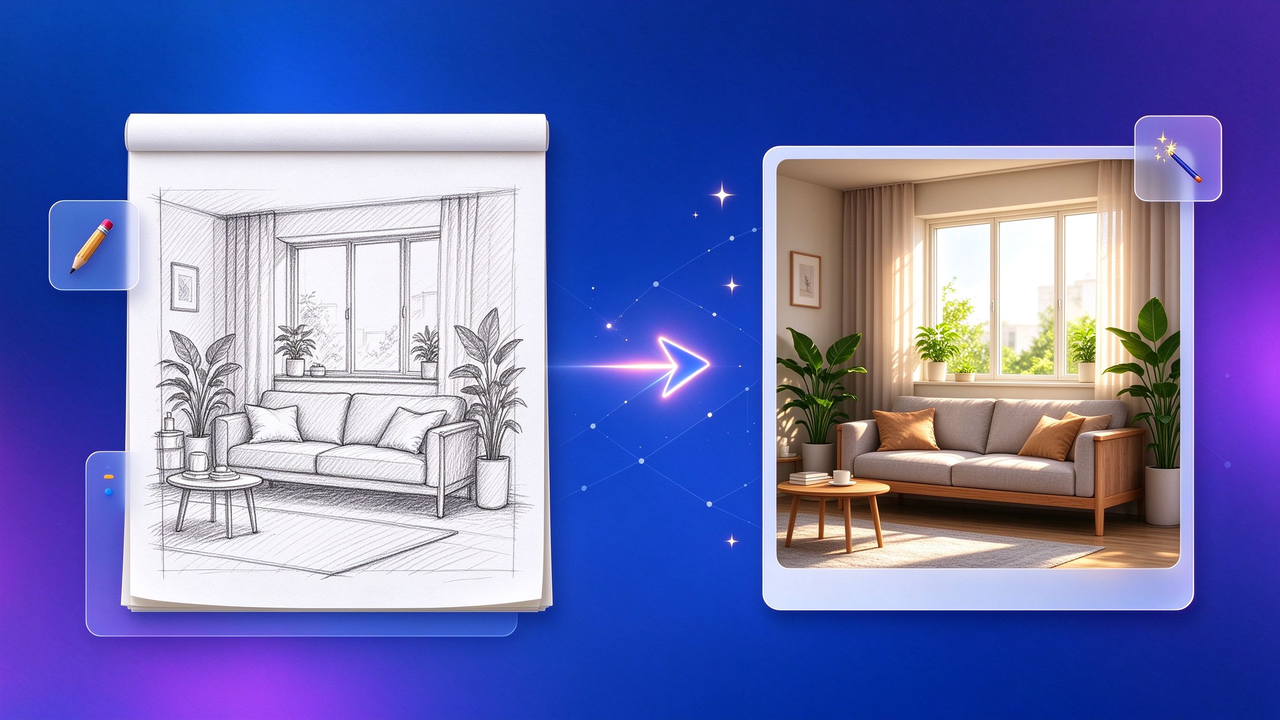
Have a rough idea but no design skills? Upload a pencil sketch, a napkin drawing, or a wireframe. The AI image generator interprets the composition and generates a polished, detailed image — turning your rough concept into something presentable.
Writers use it to visualize story scenes. Designers use it to iterate on layout ideas. Content creators use it to turn text descriptions into reference images before shooting.
Frequently Asked Questions
Is the AI image generator free to use?
Yes. Sign in to claim 10 free credits every day for generating images. Downloads are watermark-free, and you can buy a one-time credit pack if you need more credits.
What exactly is an AI image generator?
An AI image generator is a tool that takes an input reference image and a text prompt, then produces a new image based on both. Unlike pure text-to-image (which starts from nothing), it uses your reference as a visual guide — preserving structure, composition, and subject while changing style, setting, or details.
How is this different from a regular photo editor?
A photo editor changes existing pixels (crop, adjust color, remove blemishes). An AI image generator creates new content based on your reference. You can turn a landscape photo into a watercolor painting, replace a background with an AI-generated scene, or expand the image beyond its original frame — things a traditional editor can't do.
Do I need to write a detailed prompt?
No. You can start with a simple description like "make it cyberpunk style" or "put it on a beach." The more detail you give (lighting, mood, colors, era), the more tailored the result. You can also pick a quick action for a guided prompt.
Can I keep my subject and only change the background?
Yes. Use the change background mode. AI keeps the main subject (person, product, object) and generates a completely new background around it — a studio, an outdoor scene, a gradient, or any setting you describe.
How many variations can I generate?
It depends on the model and resolution you choose. Sign in to get 10 free credits every day, and buy a one-time credit pack if you need more credits.
Is my reference image private?
Your uploaded images are processed only to generate results. They are not shared, sold, or used to train public models. See our Privacy Policy for retention details.
What image formats work best?
JPG, PNG, and WebP up to 10 MB. Clear, well-lit reference images produce the best results. Sketches and low-quality images also work but may need a more detailed prompt to guide the AI.
What does "no restrictions" mean on your free AI image generator?
On the free plan, "no restrictions" refers to three specific things: no watermark on downloads, no account required, and no daily cap on standard-resolution generations.
It does not mean unrestricted use. Our content policy still applies — no illegal, harmful, or non-consensual likeness content — and high-resolution exports and batch runs are metered separately. You can check exactly what's included on our pricing page before generating.
Does 'no restrictions' mean lower image quality?
No. Free generations run on the same model and settings as paid; what differs is output resolution (free exports are capped at standard size, paid plans unlock larger files) and queue priority.
In practice, composition, prompt adherence, and detail inside the frame are the same. The difference shows up when you need print-ready files or faster turnaround. If a specific project needs a certain resolution, check the resolution table before you generate.


Start Creating with AI Image Generator
Sign in to claim 10 free credits every day and generate images at higher resolutions. Download your creations without a watermark.