
Free AI Photo Enhancer:
Restore Clarity to Any Photo
Upload a noisy, blurry or low-res photo — AI sharpens fine detail, removes grain, and boosts resolution automatically.


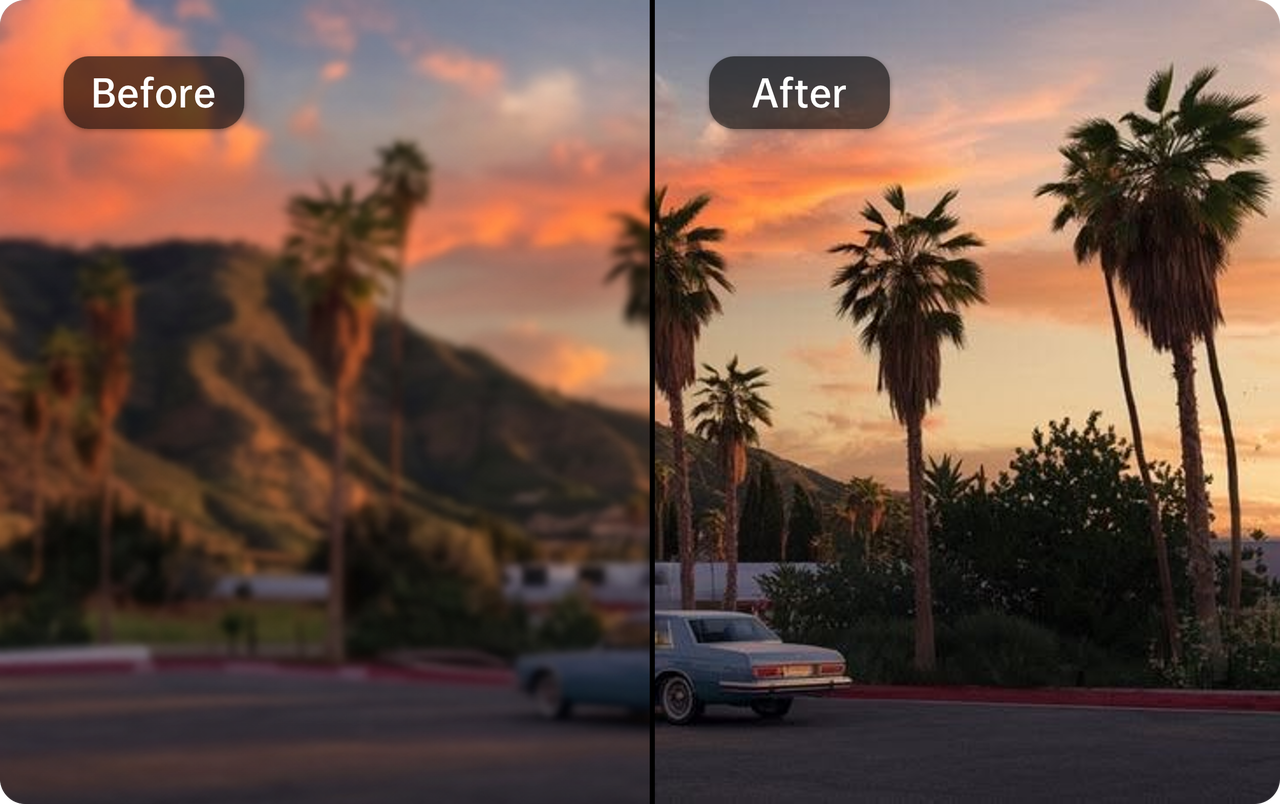
Drag the slider to compare a low-quality photo with its enhanced result.
- Sign in for 10 free credits daily
- 2K and 4K exports
- Works in your browser
- No watermark
How to Use the AI Photo Enhancer Online?
Upload a photo or pick an enhancement preset
Drag and drop a low-quality photo into the enhancer, or select a preset mode from the gallery that matches your issue (blurry, dark, noisy, or old).
Let AI analyze and enhance automatically
The AI detects noise patterns, blur radius, underexposure and resolution limits, then applies targeted sharpening, denoising and upscaling in a single pass.
Compare before/after and download
Slide to compare the original against the enhanced version. Export in HD quality without a watermark, then adjust your prompt for another result.
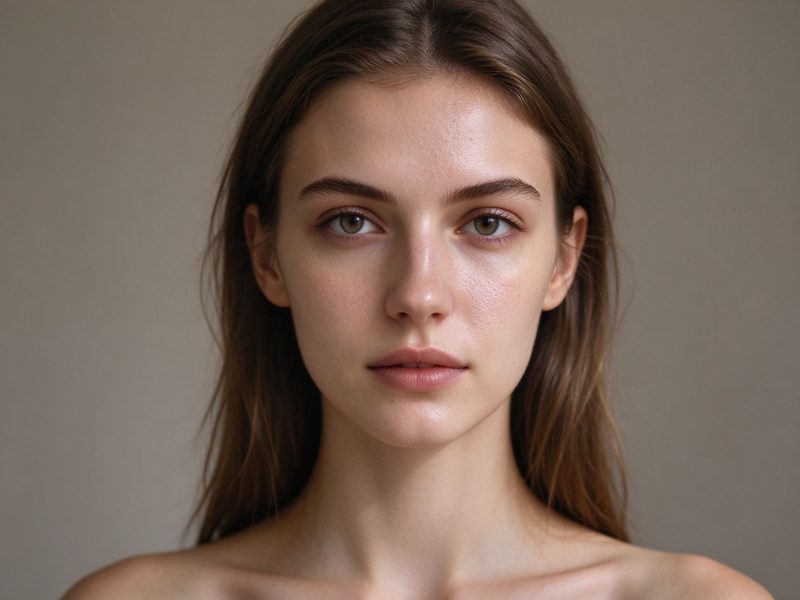
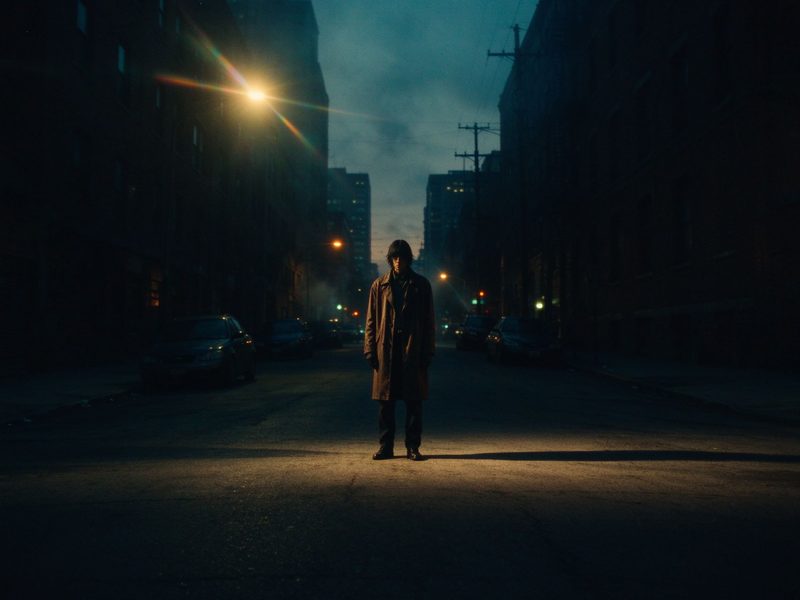


AI Photo Enhancer: Fix Quality Problems You Didn't Know You Had
No more squinting at pixelated thumbnails or re-taking photos because the lighting was off. The AI photo enhancer diagnoses common quality issues — digital noise, motion blur, compression artifacts, hazy lenses, and underexposure — and repairs each one without manual sliders, curves, or editing skills.
Whether your photo came out grainy, too dark, or too small for a product listing, this enhancer rebuilds lost detail at the pixel level, delivering crisp results in seconds. You don't need Photoshop; you need one upload.
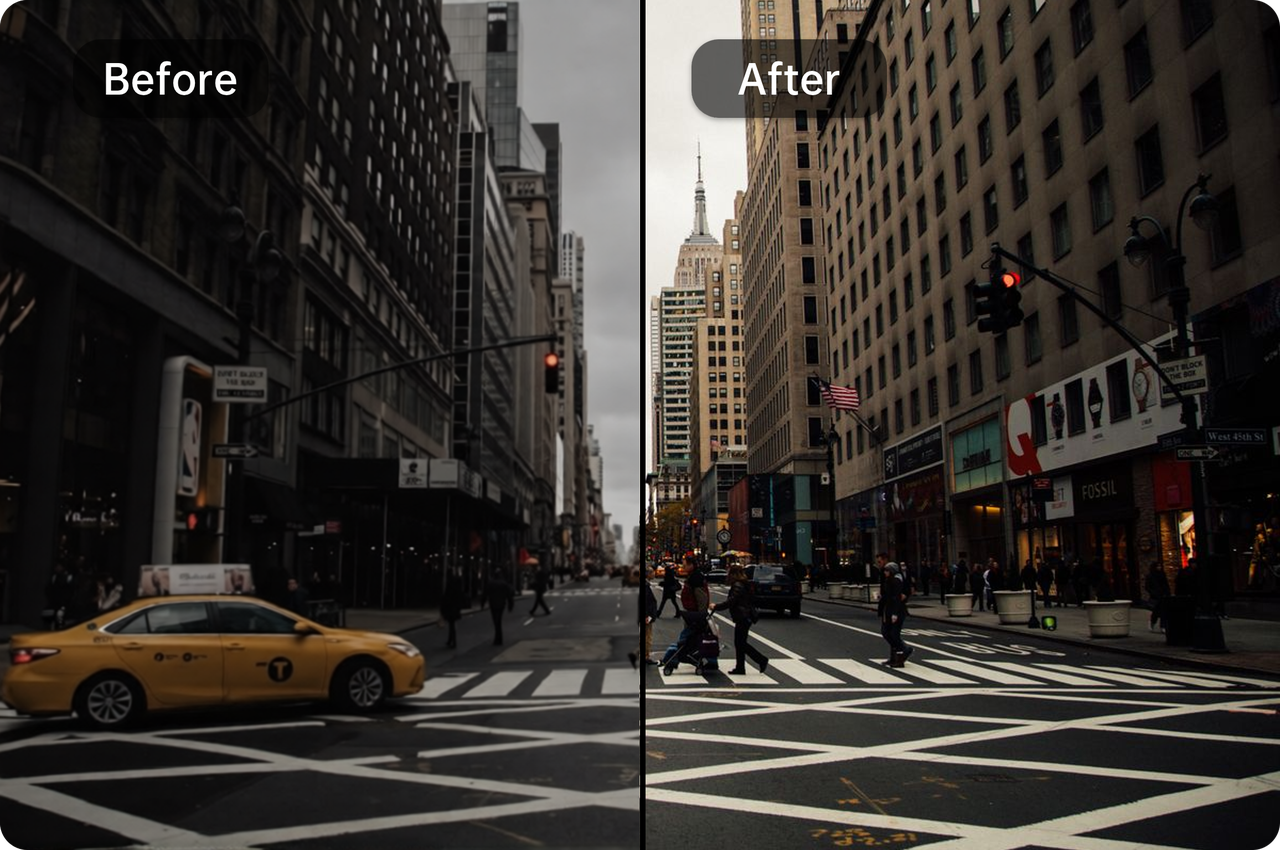
From Blurry to Crisp in One Click
A capable AI photo enhancer doesn't just brighten a photo — it reconstructs what the camera originally missed. It recovers facial detail in portraits, sharpens product edges in e-commerce shots, and removes atmospheric haze from outdoor scenery. Noise that was baked into a high-ISO phone photo gets cleaned. Compression artifacts from a downloaded image get smoothed.
Upload a photo you'd otherwise delete. Watch it become usable, shareable, and print-worthy — no retouching experience required.
Bring Old Scanned Photos Back to Life
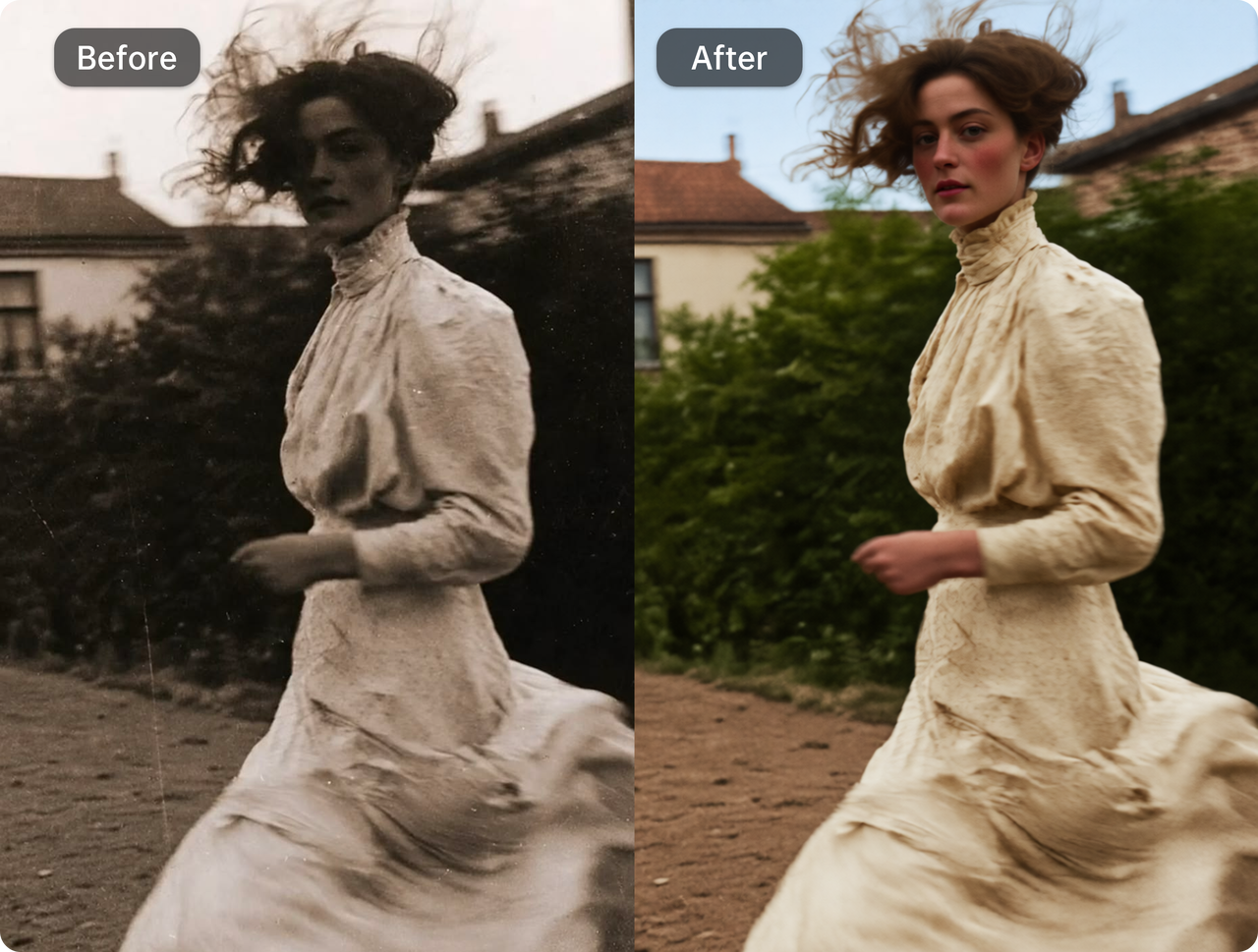
Scanned a childhood polaroid only to find faded colors, surface scratches, dust spots and yellowed film? The AI photo enhancer restores scanned and film photos by repairing physical damage, correcting color fade, and upscaling to modern screen resolution — without spending hours in a manual restoration workflow.
It works on DSLR exports, phone screenshots, downloaded reference images, and compressed social media saves alike. One upload, one click, results ready in minutes.
Remove Background in One Click
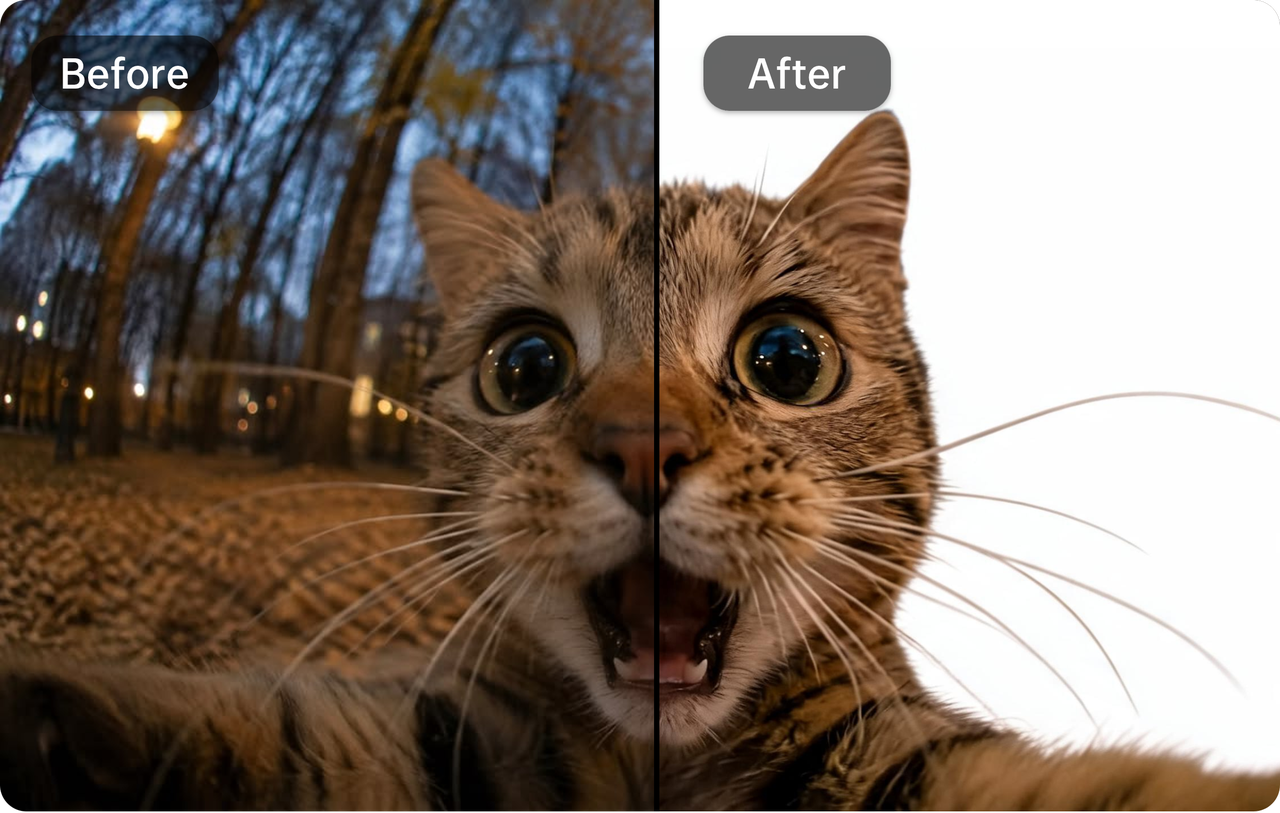
Messy, distracting backgrounds hold back your best shots. A cluttered room ruins an e-commerce product listing, a busy street weakens a portrait portfolio, and a mismatched backdrop drags down a marketing poster. The AI background remover isolates your subject — hair, fur, glass, and tricky edges included — in seconds, leaving a crisp transparent cutout you can drop onto any background.
Thousands of sellers, designers, and creators use the AI background remover to produce clean white-background product catalogs, swap portrait backdrops, build social media ads, and design marketing assets — without hiring a designer or wrestling with Photoshop.
Frequently Asked Questions
Is this AI photo enhancer really free?
Yes. Sign in to claim 10 free credits every day and use them to enhance your photos. Downloads are watermark-free, and you can buy a one-time credit pack if you need more credits.
How does an AI photo enhancer actually work?
The enhancer runs models trained on millions of paired low-quality/high-quality image sets. When you upload a photo, it analyzes noise patterns, blur radius, color channels and resolution limits, then applies targeted sharpening, denoising and resolution upscaling — all in one automated pass. No manual adjustment needed.
Can it fix a severely blurry photo?
It restores mild to moderate blur well, recovering facial detail and text edges. For photos that are badly out of focus or contain heavy motion blur, results improve but may not be fully recoverable. Starting with a reasonably usable original gives the best enhancement outcome.
What's the difference between enhancement and upscaling?
Enhancement fixes quality problems like noise, blur, and underexposure. Upscaling increases pixel dimensions — for example, from 500 pixels wide to 2000 pixels wide. This AI photo enhancer does both: it cleans the image quality first, then upscales it to higher resolution.
Will the enhanced photo look over-processed or fake?
No. The enhancer applies natural-looking sharpening at the local pixel level, avoiding the heavy halo effect and artificial smoothness that basic filters produce. You can compare the before/after side by side before exporting.
Can it restore old scanned film photos?
Yes. Old Photo Restore mode removes scratches and dust spots, corrects color fade and yellowing, and upscales scanned film or polaroids to modern resolution. Results depend on scan quality — higher-resolution scans give better restoration outcomes.
What file formats and sizes are supported?
JPG, PNG and WebP up to 10 MB. The enhancer outputs the enhanced image in your original format, up to 4× upscale resolution.
Is my uploaded photo kept private?
Your photos are processed only to generate your result. They are not sold to third parties or used to train public AI models. See our Privacy Policy for how long inputs and results are retained.
Start Enhancing Your First Photo with AI
Sign in to claim 10 free credits every day and unlock more models and higher-resolution exports. Download your enhanced photos without a watermark.