
Your ideas. A new perspective.
ChatGPT Photo Editor
A free ChatGPT photo editor online: upload a photo, type the change you want, and download the result.
Quick Edition
How to Use the ChatGPT Photo Editor?
Upload a photo or pick a template
Drag and drop a photo into the editor, or open an inspiration template from the gallery.
Describe what you need edited
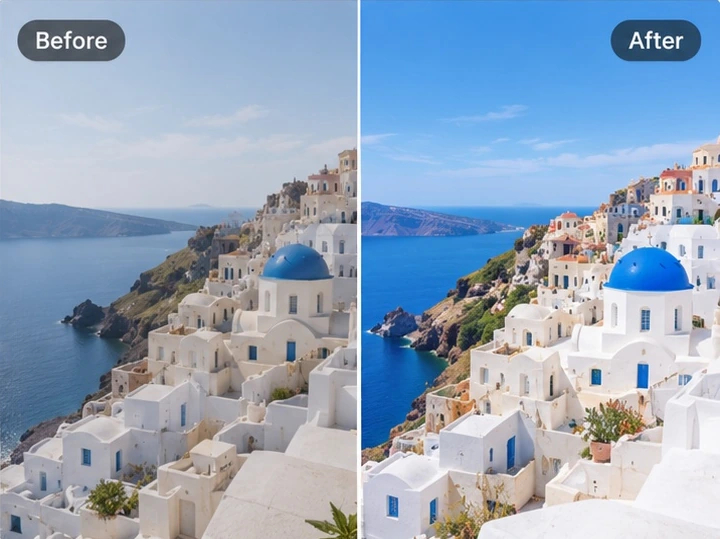
Type into Your prompt, or choose a quick action for backgrounds, objects, image quality or a new style. The editor's own example: replace the background with a sunlit Mediterranean terrace and warm the skin tones.
Preview, download or retry
Generate your image, download it without a watermark, or refine the prompt and try again.
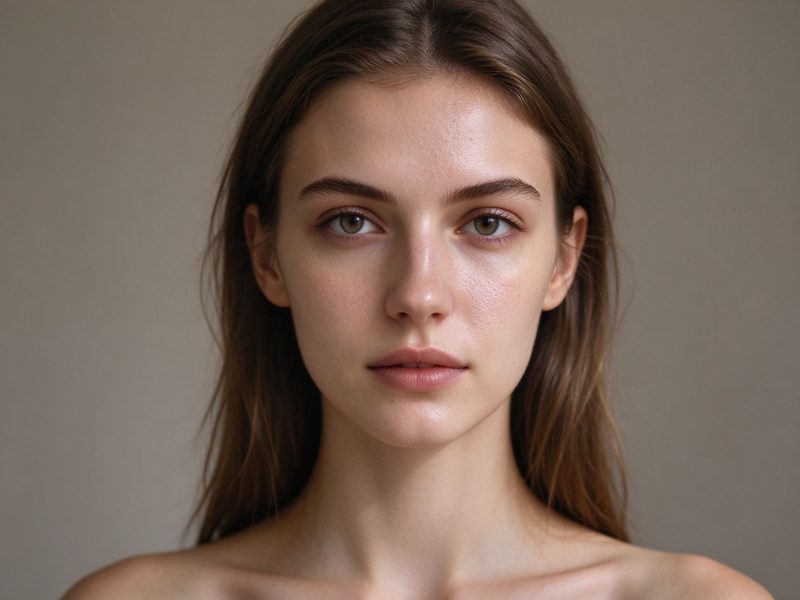
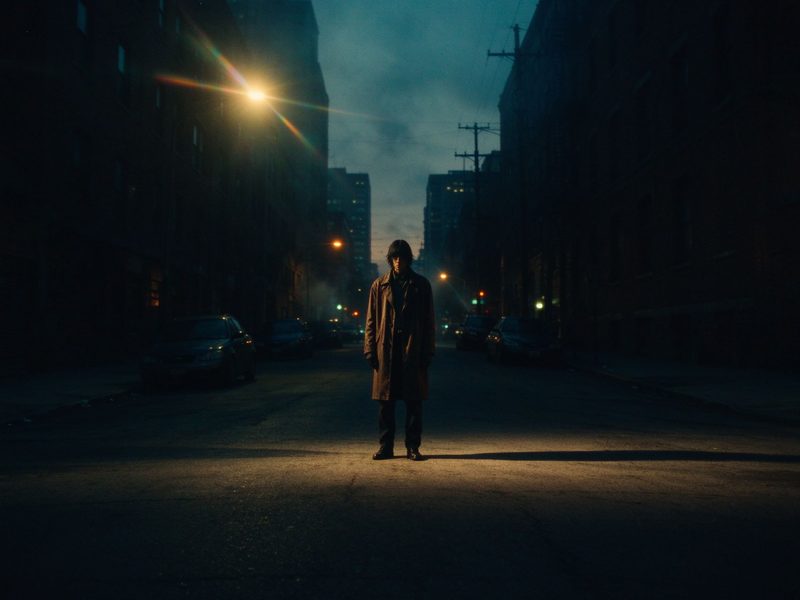
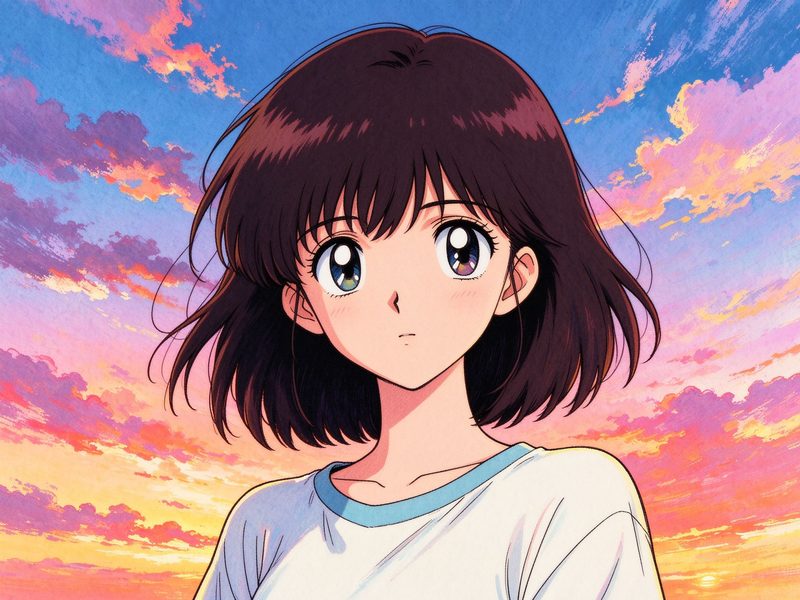
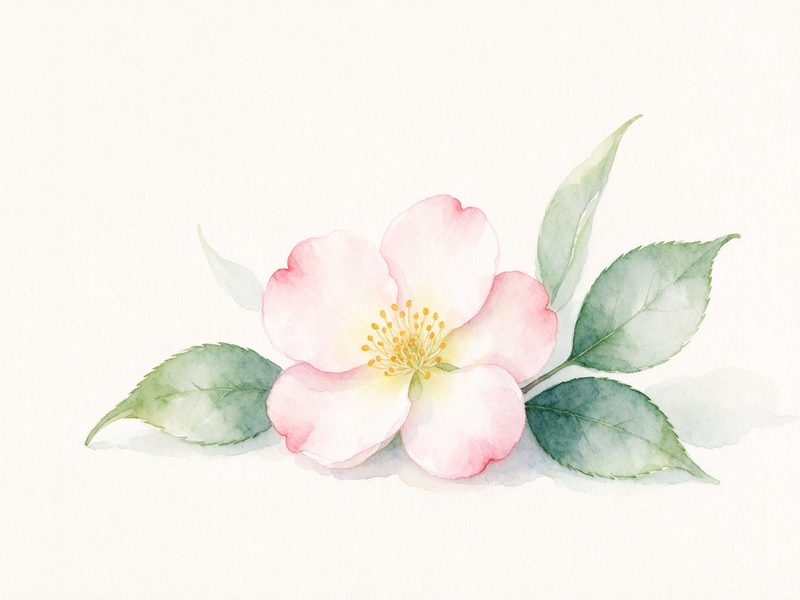
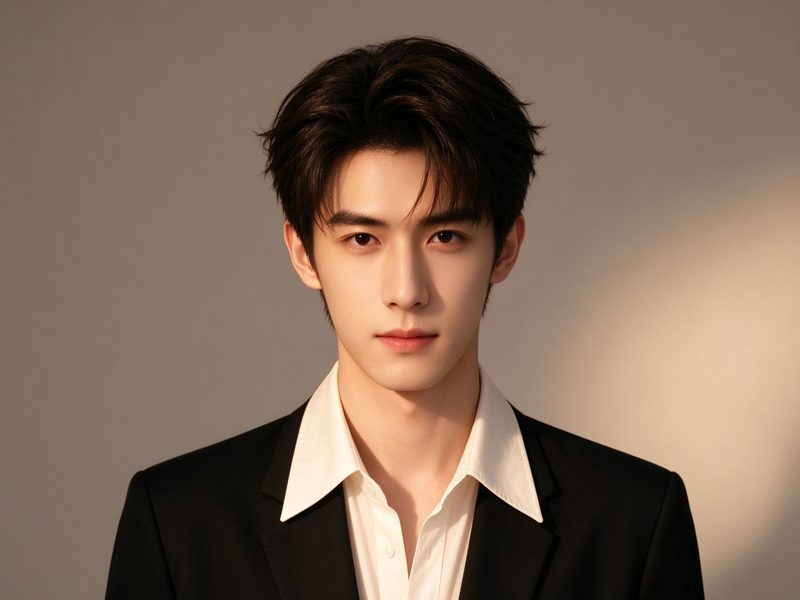
One Prompt Box Instead of Ten Tools
ChatGPT tells you which slider to move; this editor moves it for you. Background changes, object removal, image quality and restyling all start from the same box — you type the result you want, and the AI works out the operation.
That's why there's nothing to learn here. No layer panel, no mask, no export dialog. Upload, describe, generate.
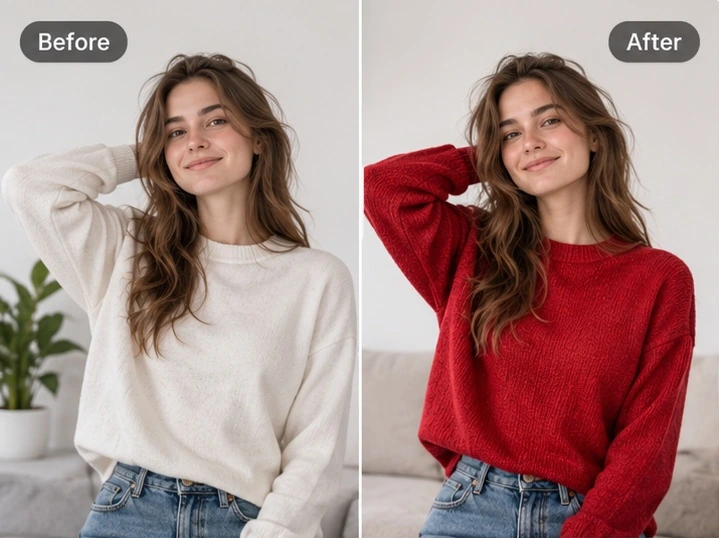
Templates Are Prompts, Not Filters
Most editors apply a filter and let you pick a strength. Here, choosing a style adds its prompt to the editor — so the look is a starting point you can rewrite, not a fixed effect. Pick Cinematic, then add warmer skin, softer grain and it's yours.
Ten templates ship with the editor, from Photoreal Portrait to Retro 80s, and every one of them is editable the moment it lands in the prompt box.
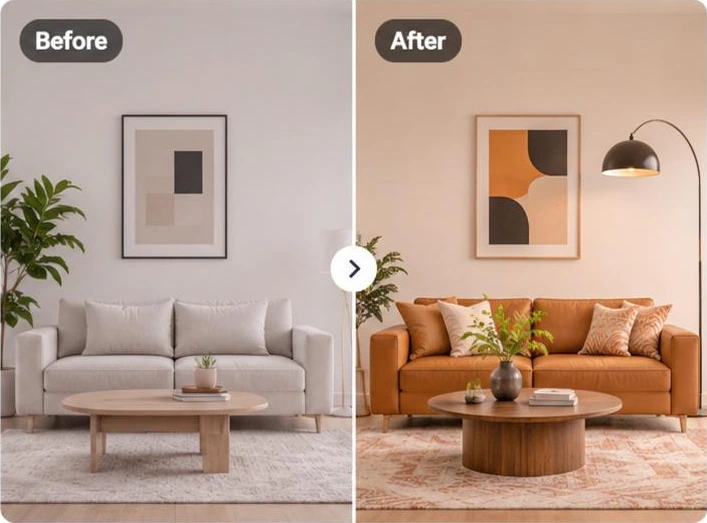
Studio Results Without a Studio
You don't need retouching skills to get a retouched photo. Generate business avatars, resume visuals, or clean assets for a client deck in a single pass — fine retouching, color grading and stylization are all handled by describing them.
You can also expand your original photos, so a tight crop doesn't decide the layout for you.
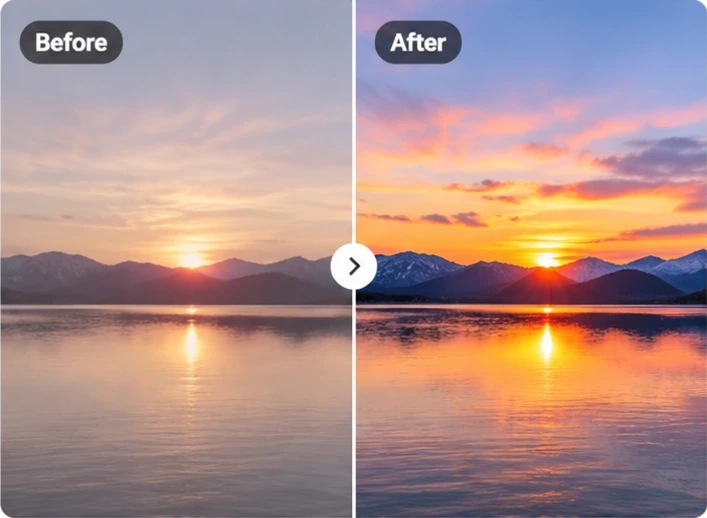
From Raw Photo to Post-Ready
Reimagine a portrait, test a bolder style, or lock a consistent mood across a set of posts — the same photo can go out in three directions in three generations.
For creators posting across platforms, the value is the reset between attempts: rewrite one sentence, get a different image, keep the one that works.
FAQ
Can I use a ChatGPT photo editor for free, without a ChatGPT account?
Yes. Sign in to AI Photo Editor with Google to claim 10 free credits every day. You can download your edits without watermarks.
Does ChatGPT itself edit photos, or only write prompts?
ChatGPT can answer questions about editing and can generate images, but it will not reliably return an edit of the exact photo you uploaded. Here the editing is done by an image model that takes your file plus your prompt and returns the same frame, changed.
What edits work best with a ChatGPT-style photo editing prompt?
Sentence-level changes: replacing a background, restyling a portrait, warming skin tones, removing clutter, extending the frame. It is not a masking tool, so it is the wrong choice when one edge has to stay pixel-identical.
How long can the prompt be, and what files can I upload?
Up to 20,000 characters, counted live in the box. PNG, JPG or WEBP up to 10 MB. A longer prompt is not more precise — naming the subject, the change and what must stay is usually enough.
What happens to my photo when I generate?
Selecting a photo only previews it on your device; pressing Generate sends the photo and prompt to the editing service and its image provider.
Is this a free ChatGPT photo editor online?
Yes. The editor runs in your browser. Sign in to get 10 free credits every day for editing photos.
What makes a ChatGPT image editor different from an image generator?
A ChatGPT image editor keeps the photo you already have: it changes light, background, style or framing on that same frame. An image generator invents a new picture from text, so it cannot preserve the face or the product in your file.
Where do I get ChatGPT photo editing prompts worth copying?
Start from the four samples in the Result panel: choose one and press Try this Effect to load its full ChatGPT photo editing prompt into the box, then swap the bracketed [STORE / BRAND NAME] or [LOCATION] for your own subject.
How does this compare with other ChatGPT photo editor alternatives?
Most ChatGPT photo editor alternatives either hide their limits until you upload, watermark the export, or turn the edit into a re-imagined picture. Here the limits are visible before you start, exports carry no watermark, and the result keeps your original frame.
Start Editing Your First Photo with AI
Upload a photo or describe the edit. Sign in to claim 10 free credits every day. Downloads are watermark-free.